X
wikiHow is a “wiki,” similar to Wikipedia, which means that many of our articles are co-written by multiple authors. To create this article, 20 people, some anonymous, worked to edit and improve it over time.
This article has been viewed 98,955 times.
Learn more...
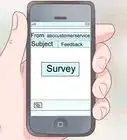
Okay, so let's say you get on your email. That guy emailed you. For the eighth time this week. Okay, so he's sort of annoying. You delete the email again. Well, it's time to get him to stop.
Steps
-
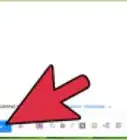
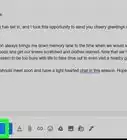
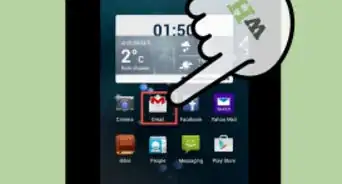
1Mark the emails as spam. Select the email then find the "Mark as Spam" button.
- Once they email you, just say, "Hey, I don't check my email, I'm not trying to be rude, but could you stop emailing me?" It is rude, but they will stop emailing you.
- If they continue to email you, change email providers and don't tell them.
Advertisement

Method 1
Method 1 of 1:Creating a Gmail Filter
Method 1


Community Q&A
-
QuestionA girl is sending me frequent nonsense emails. I blocked her email and reported it as spam, but she is creating a new gmail ID every day and sending me emails again and again. What do I do?
 Community AnswerI'd recommend (if you're in gmail) that you click "Filter Messages like These," and if there's words she usually says, or doesn't say, you can put them in there. Make sure you put in the "To" address. You can leave the "From" address blank. You could also go to the Google help center and report her for spam. (Google can get an IP address from a user, they could probably block her that way).
Warnings
- Telling somebody to stop emailing you could make them angry!Thanks!
Advertisement
About This Article
Advertisement