X
This article was co-authored by wikiHow Staff. Our trained team of editors and researchers validate articles for accuracy and comprehensiveness. wikiHow's Content Management Team carefully monitors the work from our editorial staff to ensure that each article is backed by trusted research and meets our high quality standards.
The wikiHow Tech Team also followed the article's instructions and verified that they work.
This article has been viewed 66,089 times.
Learn more...
This wikiHow teaches you how to use the Lyft app to leave a review of your ride experience.
Steps
Method 1
Method 1 of 2:At the Time of the Ride
Method 1
-
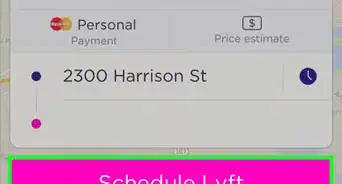
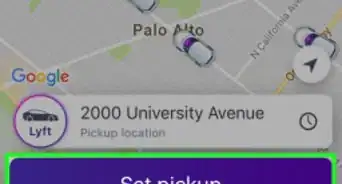
1Open the Lyft app. It's a pink app with the word "lyft" in bold, white type.
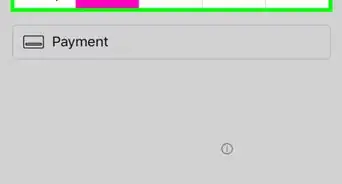
- After you've reached your destination, the "Payment" screen will appear.
-
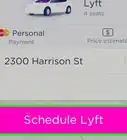
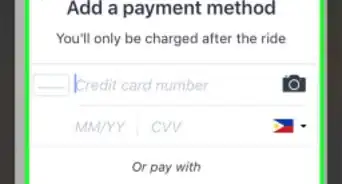
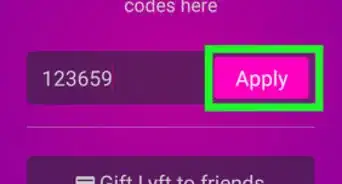
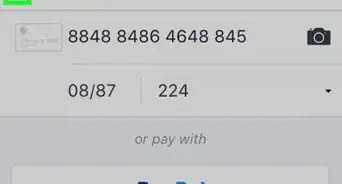
2Enter payment and tip information.
-
3Tap Next.
-
4Tap a star rating to advance to the "Review" screen.
-
5Tap the "Tell us what you loved" field. It's just below the star rating.
-
6Type a review.
-
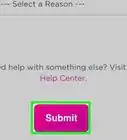
7Tap Submit at the bottom of the screen. The review will be shared anonymously with the driver.


Method 2
Method 2 of 2:After the Ride
Method 2
-
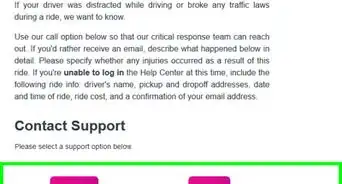
1Go to https://help.lyft.com/hc/en-us/requests/new?ticket_form_id=172018. Use the link or type the URL into your Web browser.
-
2Fill in all the fields on the screen. Be sure to include the date and time of your ride, along with the driver's information.
-
3Type your review in the "Additional Details" field.
-
4Check "I'm not a robot" and click on Submit.


Community Q&A
-
QuestionWhy do people continue to call my cell and home after being told a thousand times 'I don't want a job with Lyft'?
 Community AnswerBecause they're spam callers. Lyft would never call you offering a job. Ignore the calls and block the numbers.





About This Article

wikiHow Staff
wikiHow Staff Writer
This article was co-authored by wikiHow Staff. Our trained team of editors and researchers validate articles for accuracy and comprehensiveness. wikiHow's Content Management Team carefully monitors the work from our editorial staff to ensure that each article is backed by trusted research and meets our high quality standards. This article has been viewed 66,089 times.
How helpful is this?
Co-authors: 8
Updated: March 26, 2019
Views: 66,089
Categories: Lyft
Article SummaryX
1. Open the Lyft app.
2. Enter payment info.
3. Tap Next.
4. Tap a star rating.
5. Tap Tell us what you loved.
6. Type a review.
7. Tap Submit.
Did this summary help you?