X
wikiHow is a “wiki,” similar to Wikipedia, which means that many of our articles are co-written by multiple authors. To create this article, 18 people, some anonymous, worked to edit and improve it over time.
The wikiHow Tech Team also followed the article's instructions and verified that they work.
This article has been viewed 253,002 times.
Learn more...
This article will quickly explain how to hide your email address from people who view your Facebook account. Facebook has privacy controls which allow you to select which groups of people can view certain information on your page, and these settings are very easy to access.
Steps
-
1Visit https://www.facebook.com and log in to your account.
-
2Go to your profile page. You can do this by typing in the URL of your page or by clicking the links that say your name in either the upper right or upper left corners of the home page.
-
3Click the "Edit Profile" button in the upper-right corner, underneath your name.
-
4Navigate to the link bar along the left side of the edit page and click on the "Contact Information" tab.
-
5At the top of the Contact Information editing screen, there is a list of email addresses associated with your account. To select privacy setting for one of them, click on the button to the right of the email addresses that looks like a silhouette of people.
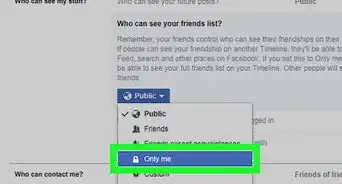
- From this drop-down menu, you may select the people who are allowed to see your email address. To hide it from everyone, select "Only me."
- A dialog box will appear to confirm your change. Make sure that "Only me" is selected if you want to fully hide your email address.


Community Q&A
-
QuestionDoes my email address normally show on my profile?
 Community AnswerIf it is set to private, no. But if it is set to "Friends," "Friends of friends," or "Public," then people can see it.
 -
QuestionHow can I hide my phone number?Community AnswerOnce you add your phone number, you cannot delete it. But if you are talking about Facebook Messenger, click your profile pic in Mobile Facebook, then select "Update Info," scroll down to "Contact Info," click "Edit," and select “Friends Only” or "Remove."