X
wikiHow is a “wiki,” similar to Wikipedia, which means that many of our articles are co-written by multiple authors. To create this article, 14 people, some anonymous, worked to edit and improve it over time.
This article has been viewed 59,983 times.
Learn more...
Are you tired of the default terrain in Minecraft? Read this article on how to get superflat, free with no downloads.
Steps
-
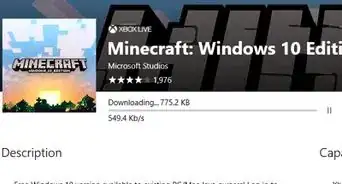
1Make sure you have Minecraft downloaded onto your computer.
-
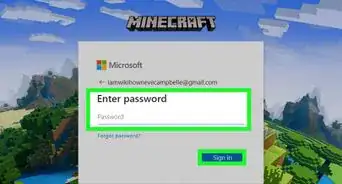
2Log in and click "Create World".
-
3At the options page, click "More World Options". You will see, under the label of terrain, the word "default".
-
4Click "default" and set your terrain to Superflat.
-
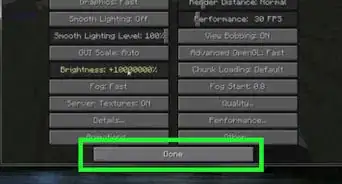
5Click "Done" and then click "Create". Your superflat terrain will be created. Have fun!


Community Q&A
-
QuestionHow do I do this on demo mode?
 Community AnswerOn demo, you are locked to the tutorial world for 30 minutes, and then you are kicked. You'll have to buy the game if you want a superflat world.
 -
QuestionHow do I make a superflat world on PS4?
 Community AnswerYou can make a flat world but there is no setting called super flat on PS or Xbox.
 -
QuestionHow do you make a super flat terrain in Bedrock Edition?
 ILikeSlugsCommunity AnswerIn the create new world menu, just scroll down until you find the "world type" area. Then click on where it says "infinite" and select "flat" from the drop down list. Finish customizing your world and then click "create" to create the world.
Warnings
- On Superflat, slimes spawn regularly!Thanks!
- You might get banned on a Tekkit server!Thanks!
- Use a Bukkit server only if you use a potion of invisibility!Thanks!
Things You'll Need
- Computer with Minecraft downloaded
- A Minecraft account