X
wikiHow is a “wiki,” similar to Wikipedia, which means that many of our articles are co-written by multiple authors. To create this article, volunteer authors worked to edit and improve it over time.
This article has been viewed 17,751 times.
Learn more...
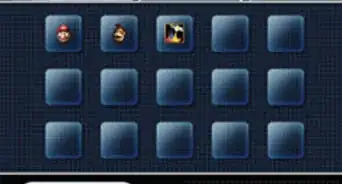
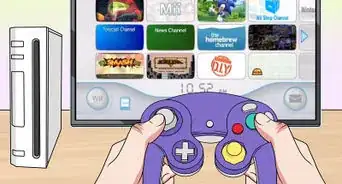
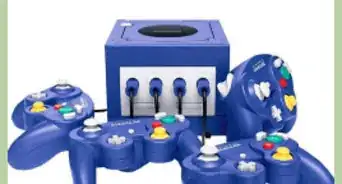
On rare occasions, a Gamecube memory card may become corrupt and seemingly unusable. Don't panic! This article will show you how to format a Gamecube memory card.
Steps
-
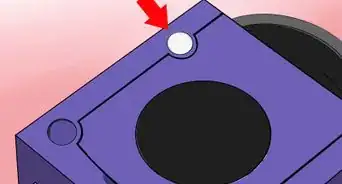
1Insert the corrupted memory card into either memory card slot of your Gamecube.
-
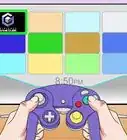
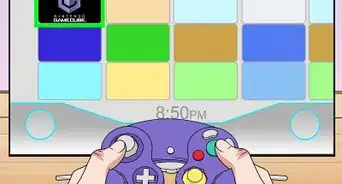
2Start the Gamecube without a disk, or hold the A button while the Gamecube is starting up, to access the Gamecube's main menu.Advertisement
-
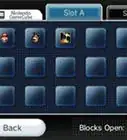
3Push the control stick down to go to the "Memory Card" option. You'll be asked if you want to format the memory card. Select yes to this, along with the confirmation that you want to format your memory card, to format your memory card.Advertisement


Community Q&A
-
QuestionMy GameCube game file says "yyyyyyyyyyyyyyyyyyyyyyyyyyyyyyyyyyyyyyyyyyy" after it said it was corrupted! What do I do?!?!
 StephenCommunity AnswerStart the game that corresponds to the corrupted file (for example, if you had a corrupted Animal Crossing save, start Animal Crossing), then see what the game does. If it says your save is corrupted, then you'll need to delete the save and start over. If the save works fine (happens rarely), but some things in-game are strange (for example, corrupt/unreadable player name, lost progress, etc.), then it might be that you accidentally turned off the GameCube whilst it was beginning to delete the file. If your save is still playable, then just carry on with your game and fix the things you need to. If the file is not working (much more likely), then you need to delete it.
Warnings
- You will lose all saved data on your memory card, which cannot be recovered.Thanks!
Advertisement
About This Article
Advertisement