X
wikiHow is a “wiki,” similar to Wikipedia, which means that many of our articles are co-written by multiple authors. To create this article, 10 people, some anonymous, worked to edit and improve it over time.
This article has been viewed 229,903 times.
Learn more...
The NT FileSystem (default for most Windows operating system versions) has features such as journaling that make it somewhat resistant to file system errors. However these may occur. Errors can (most times) be repaired by using system-provided tools, unless of course if they prevent you from booting the system.
Steps
-
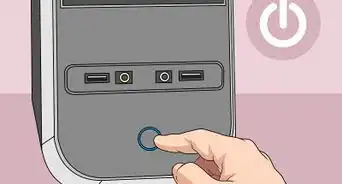
1Attempt to boot your computer in order to run the disk repair utility chkdsk. This can be done by one of the following ways:
- Safe mode:
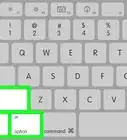
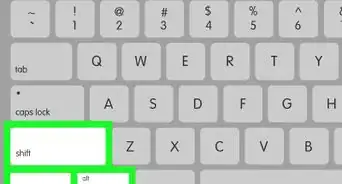
- Boot your computer in safe mode, continuously press F8 key while it's starting. A menu will appear where you can choose booting in "safe mode".
- System installation CD-ROM or DVD:
- Insert your system install medium into the computer. When it starts it should detect that an installation has already been made and let you start the recovery console (by pressing the 'R' key). You will have to follow the on-screen instructions until you see the repair console.
- Safe mode:
-
2Place the disk on a different computer. Remove the hard disk drive from your computer and place it on another computer. You'll be able to access your disk from the other computer's host system.Advertisement
-
3Run 'chkdsk' until end.
-
4If you have a graphical interface, go to "My Computer", select the appropriate disk, click with the right mouse button and select Properties. Head for the "Tools" tab. Select "Check this drive for errors".
-
5If you have just a text console, write "chkdsk c:". "c:" should be replaced with the appropriate drive letter for the partition you are trying to check.
-
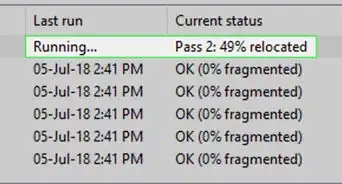
6In order to fix problems found repeat the above step but use "chkdsk c: /r" in order for the utility to automatically recover lost data. this process can take some time depending on speed of computer and size of Hard driveAdvertisement


Warnings
- File system repairs are neither always possible nor fully reliable. Although you may lose data in the repair process, that is most unlikely unless you couldn't access that data already (due to the file system error).Thanks!
Advertisement
Things You'll Need
- Your disk with the NTFS partition you want to fix.
- Another computer to plug the disk into (optional)

About This Article
Advertisement