This article was written by Nicole Levine, MFA. Nicole Levine is a Technology Writer and Editor for wikiHow. She has more than 20 years of experience creating technical documentation and leading support teams at major web hosting and software companies. Nicole also holds an MFA in Creative Writing from Portland State University and teaches composition, fiction-writing, and zine-making at various institutions.
This article has been viewed 3,036 times.
This wikiHow teaches you how to find a friend's email address in their Facebook profile. Your friend's email address may not be visible if they've adjusted their privacy settings.
Steps
-
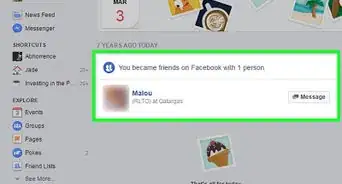
1Go to https://www.facebook.com. If you're not already signed in to Facebook, enter your login credentials and click Sign In.
-
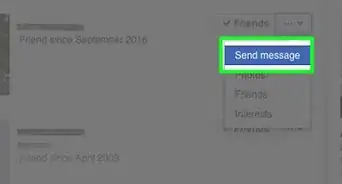
2Go to your friend's Timeline. You can find it in a few different ways:
- Search for their name using the search bar at the top of the screen.
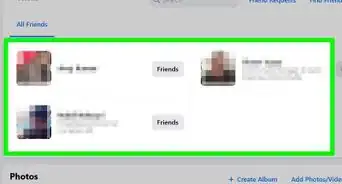
- Click the Friends link on your own Timeline to view your friends list, then click your friend's name.
- Click your friend's name where it appears in the news feed.
Advertisement -
3Click About. It's toward the top of your friend's Timeline, in the white bar beneath the cover image.
-
4Click Contact and Basic Info. It's in the list of options along the left side of the screen. As long as your friend has not hidden their email address, you'll see it beside the word “Email” in the center panel of the screen.
- If you don't see an email address listed, your friend may have chosen to hide it by adjusting their privacy settings.
Advertisement




About This Article

1. Sign in to https://www.facebook.com.
2. Open your friend’s Timeline.
3. Click About.
4. Click Contact and Basic Info.