This article was written by Nicole Levine, MFA. Nicole Levine is a Technology Writer and Editor for wikiHow. She has more than 20 years of experience creating technical documentation and leading support teams at major web hosting and software companies. Nicole also holds an MFA in Creative Writing from Portland State University and teaches composition, fiction-writing, and zine-making at various institutions.
The wikiHow Tech Team also followed the article's instructions and verified that they work.
This article has been viewed 16,031 times.
This wikiHow teaches you how to use Google Maps on your PC or Mac to find parking spots near a location.
Steps
-
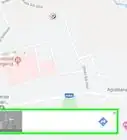
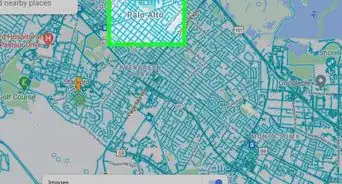
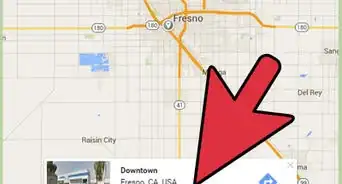
1Open Google Maps. You can find parking locations by visiting https://maps.google.com in any web browser on Windows or macOS.
-
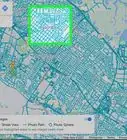
2Type parking near (location) into the search bar and press ↵ Enter or ⏎ Return. Replace (location) with the area in which you want to find parking. A list of nearby parking lots will appear in the left column.
- If you’re looking for parking spots near your current location, type parking near me.
- If no results appear, there may not be any known parking lots in that area.
Advertisement -
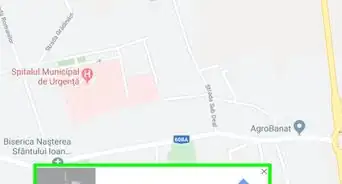
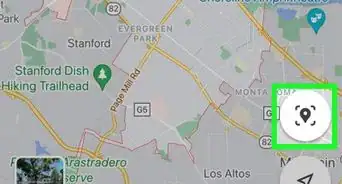
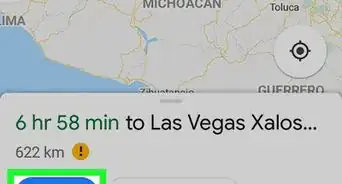
3Click a result. This pins the location to the map. To get directions to this location, click Directions, or click Send to Your Phone so you can get them when you’re on the road.Advertisement


About This Article

1. Open Google Maps.
2. Type parking near (location) and press Enter.
3. Click a result.