X
wikiHow is a “wiki,” similar to Wikipedia, which means that many of our articles are co-written by multiple authors. To create this article, 19 people, some anonymous, worked to edit and improve it over time.
This article has been viewed 74,541 times.
Learn more...
Programmers put a lot of hard work into their projects, whether it be an office program or a video game, it takes a lot to produce a quality product. Often these programmers will put in an "Easter Egg", which is something extra that is hidden. It can be anything from a special "credits" screen, to a hidden pinball game in Word. Here you will find how to find some in your favorite programs...
Steps
-
1Look around in the program files. Many times there will be pictures or files hidden there.
-
2Look in the "help", or "about" section of the program. Many times it will involve holding down some keys (like shift or ctrl) while opening the "help" or "about" file.
-
3Try looking up forums for that program or game; often when people find one, they will become excited and tell everyone.
-
4Try searching on Google, (i.e. (your program) Easter eggs or hidden secrets).
-
5In games, look around and explore every inch of the game world. Often programmers will name characters something funny; it may just take a while for you to realize that it is an inside joke.
-
6Search for the program or game on Eeggs for a huge list.
-
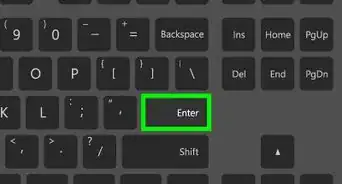
7Also, you can also use the "tab" key to search for places that can be clicked.





-Step-13.webp)