This article was co-authored by Darlene Antonelli, MA. Darlene Antonelli is a Technology Writer and Editor for wikiHow. Darlene has experience teaching college courses, writing technology-related articles, and working hands-on in the technology field. She earned an MA in Writing from Rowan University in 2012 and wrote her thesis on online communities and the personalities curated in such communities.
This article has been viewed 1,548 times.
NoxPlayer is a free Android emulator for Windows and Mac computers. This wikiHow will teach you how to download Nonpayer on Windows and Mac.
Steps
Method 1
Method 1 of 2:Using Windows
-
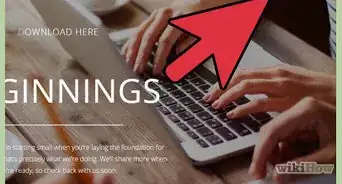
1Go to https://www.bignox.com/ in a web browser. You can use any web browser to download NoxPlayer. The website will automatically detect your OS and offer the appropriate download files.
-
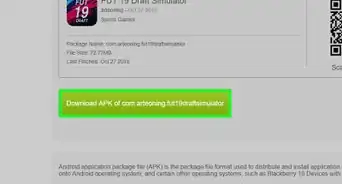
2Click Download You'll see this link centered on the page and in the top right corner. Since the website detects your operating system, the downloaded file will be a .exe.
- Click Save if prompted. You have the opportunity to change the file name and location before downloading it.
-
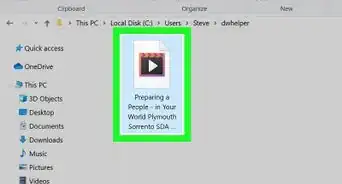
3Open the file. Many web browsers will display a notification when downloads are complete. You can click this notification to open and run the file, or you can find it in File Explorer and double-click it.
-
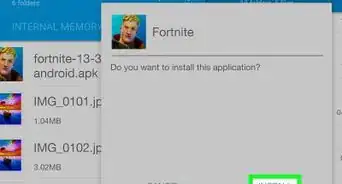
4Follow the on-screen instructions to install NoxPlayer. If your computer prompts you for permission to allow the downloaded application to make changes, click Yes.
- When the installation is complete, you'll find NoxPlayer as a shortcut icon on your desktop or in your Start menu.


Method 2
Method 2 of 2:Using Mac
-
1Go to https://www.bignox.com/ in a web browser. You can use any web browser to download NoxPlayer and it will automatically detect your OS.
-
2Click Download You'll see this link centered on the page and in the top right corner. Since the website detects your operating system, the downloaded file will be a .dmg.
- Click Save/OK if prompted. You have the opportunity to change the file name and location before downloading it.
-
3Open the file. Many web browsers will display a notification when downloads are complete. You can click this notification to open and run the file, or you can find it in Finder and double-click it.
-
4Follow the on-screen instructions to install NoxPlayer. If you get a pop-up window warning you that NoxPlayer is an application downloaded from the Internet, click Open
- If you're having troubles opening or downloading NoxPlayer, you might need to allow apps to download from unknown sources. Go to System Preferences > Security & Privacy and click the lock icon, then enter your password. Click to select "Anywhere" under "Allow apps downloaded from."[1]
- When the installation is complete, you can find NoxPlayer in the Applications folder in Finder.


About This Article

1. Go to https://www.bignox.com/ in a web browser.
2. Click Download.
3. Open the file.
4. Follow the on-screen instructions to install NoxPlayer.