X
wikiHow is a “wiki,” similar to Wikipedia, which means that many of our articles are co-written by multiple authors. To create this article, volunteer authors worked to edit and improve it over time.
This article has been viewed 28,864 times.
Learn more...
To help connect your social media accounts, YouTube allows you to show custom and social links in your channel or channel banner. Follow the steps bellow to add your own.
Steps
-
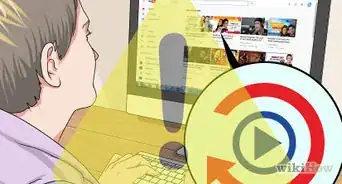
1Log into your YouTube account.
-
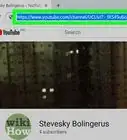
2After login, click the account name and this will expand the menu. Now click “My channel”.Advertisement
-
3Take the mouse pointer to the top right corner of the banner on your channel page. At this top right corner you will see an edit icon. Click the icon and choose “Edit Links”.
-
4Add links if you don't have them. There may not be any links on that page before, so click the “Add” button with a “+” image.
-
5Review the two options: one for custom links and other for social links. You can add up to 10 custom links and maximum 4 social links in this section.
-
6Fill the custom links section with your websites or blog's links and titles. Click “Add” button to add more links.
-
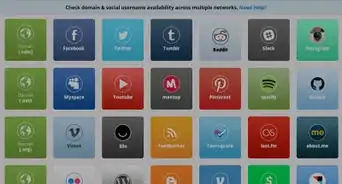
7Look for the social links section at the bottom. Choose social links like Facebook, Twitter, Google, etc, and fill the corresponding social URLs.
-
8Find the “Feature Channel" section at the bottom of the page. You can fill this section if you would like to link other users’ channels on yours.
-
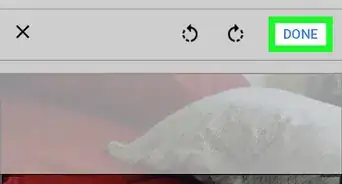
9After adding all necessary and desired links information, click “Done” at the top of this section.
-
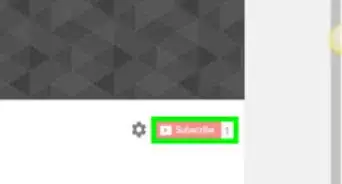
10Check for your custom and social links, visible on the banner section with icons.Advertisement


Community Q&A
-
QuestionWhat do I do if I don't have an "edit links" option on the right corner?
 Community AnswerFirst you have to turn on "Customize the layout of your channel" via the channel settings menu.
 -
QuestionI can only see the custom links section, but not the social links, why?
 Community AnswerIt's the same thing. Add whatever links, including social, that you want in the custom links section. Then they'll show on your banner.
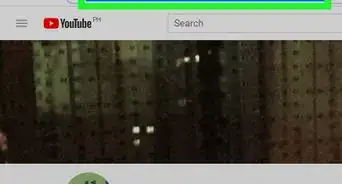
About This Article
Advertisement