X
wikiHow is a “wiki,” similar to Wikipedia, which means that many of our articles are co-written by multiple authors. To create this article, volunteer authors worked to edit and improve it over time.
This article has been viewed 1,468 times.
Learn more...
Zoom has become a very popular app due to the COVID-19 period. However, for any reason you may desire to have your account deleted. If you wish to delete your Zoom account, this wikiHow will guide you through the process.
Steps
-
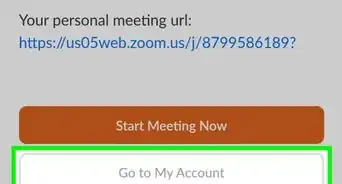
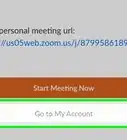
1Go to the Zoom portal and sign in to your account.
-
2Click on Account Management which will be at the navigation bar at the left. Then, click on Account Profile
-
3Click on "Terminate Account" which will be down. Then, you will get a confirmation pop-up to enter your password.
-
4Verify the deletion. You will now be redirected to the Zoom homepage and will get a pop-up confirming the termination of your account.


Community Q&A
-
QuestionWhat is the code or where is the code to delete it because mine says it needs a code?
 MoonlightCommunity AnswerYou need to enter your password to terminate your account. You have to enter your password so that you can delete your account. If you forgot your password, you can reset it at the sign-in page of Zoom.