X
wikiHow is a “wiki,” similar to Wikipedia, which means that many of our articles are co-written by multiple authors. To create this article, volunteer authors worked to edit and improve it over time.
This article has been viewed 1,147 times.
Learn more...
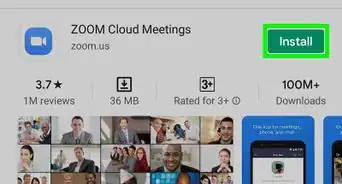
During the COVID-19 period, the Zoom app has become very popular. Using Zoom, we all can connect and video chat with our near and dear ones. We can also chat, send files, and audio chat anytime using Zoom, without staying in a meeting. If you want to know how, then this wikiHow might help you.
Steps
-
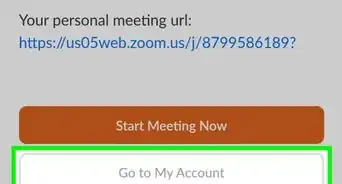
1Make sure you have a Zoom account. First, you need a Zoom account to chat. If you don't have one, create one.
-
2Add the other person to your contacts list. Once you know the email that they're using for Zoom, click on Contacts, which will be on the top near "Meetings", and click on "+". Then click on Add a Contact, and enter their email.
-
3Wait for them to accept your contact request. Once they accept your contact request, you will get a notification saying that they have accepted it.
-
4Send them a message. Now, you can start with a "Hi" and start chatting!
-
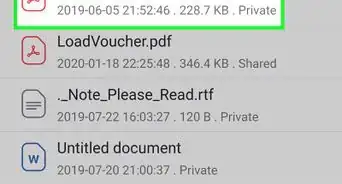
5Share files and audio messages. To share a file, you can click on "File", and choose. If you'd like to audio chat, you can click on "Audio Message".
-
6Use other tools as needed. If you want to use additional tools offered by Zoom (such as blocking/deleting, calling, notifying when they are online, etc.), click on the button near their name and choose to enable them.