X
wikiHow is a “wiki,” similar to Wikipedia, which means that many of our articles are co-written by multiple authors. To create this article, volunteer authors worked to edit and improve it over time.
This article has been viewed 18,677 times.
Learn more...
phpBB (PHP Bulletin Board) is free and open source forum software written in the PHP language. Everything in phpBB is forum based. This quick and easy guide will teach you how to create a forum in phpBB.
Steps
-
1Navigate to your phpBB powered forum.
-
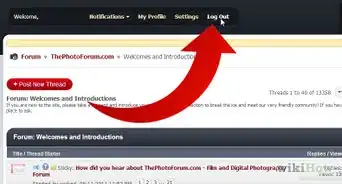
2Login to the forum as an administrator.
-
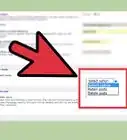
3Click on the link to the Administration Control Panel usually located at the bottom of the page.
-
4Re-authenticate yourself to proceed to the Administration Control Panel.
-
5Click on the 'Forums' category in the Administration Control Panel.
-
6Enter the name of the new forum that you want to create in the text field usually located at the bottom right of the page and click 'Create new forum'.
-
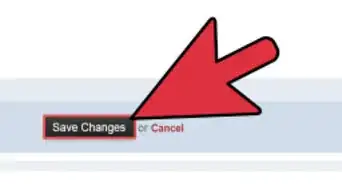
7Configure the options for your new forum, which include its name, type and much more.
-
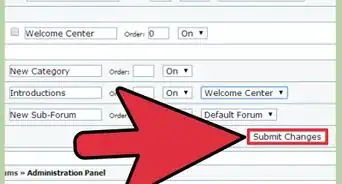
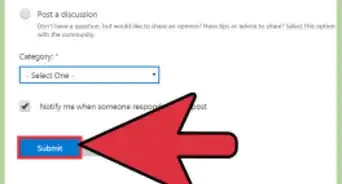
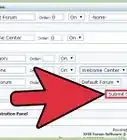
8Click the submit button at the bottom of the page when you are done configuring settings.
-
9Set forum permissions for the new forum you have just created. This defines who will be able to access the forum.
-
10Confirm that your new forum was created by visiting the index page.