X
wikiHow is a “wiki,” similar to Wikipedia, which means that many of our articles are co-written by multiple authors. To create this article, volunteer authors worked to edit and improve it over time.
This article has been viewed 34,572 times.
Learn more...
If you are creating a flyer for something, you don't have to have the expensive software to do it. You can do it in OpenOffice Writer fairly easily and with no money! Read on to learn how.
Steps
-
1Open up OpenOffice Writer.
-
2Be sure that you have the Drawing toolbar showing. To do this, click on View >> Toolbars >> Drawing.
-
3Open up the Fontwork Gallery by clicking on the icon in the drawing toolbar. This will open up the Fontwork Gallery. Select the appropriate look for your purposes.
-
4Once you have chosen the right look, double click in the center of the words. This will bring up the text for editing so that you can change what it says.
-
5Zoom out enough that you can resize your graphic appropriately.
-
6Work on the actual look of your heading or artwork. The gallery allows you to get an approximate look that you want. Use the various tools to hone its look.
-
7If you have a graphic, insert it where you want it. You can can also try clip art.
-
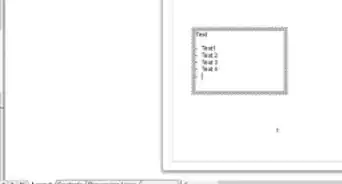
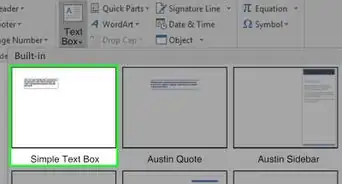
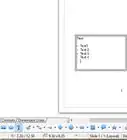
8Add a text box. You use the text box to get your message across. Be aware that you won't be able to use bulleting in it.