X
wikiHow is a “wiki,” similar to Wikipedia, which means that many of our articles are co-written by multiple authors. To create this article, 10 people, some anonymous, worked to edit and improve it over time.
This article has been viewed 9,550 times.
Learn more...
An alert box is simply a dialog box that can be used in websites. It's a fun way to interact with the visitors on your website. In this article, you'll discover how to use JavaScript to create a basic alert box.
Steps
-
1Open up the text editor that you use. On windows, notepad++ is recommended. Many free, open-source text editors exist such as Atom, and visual studio code.
-
2Add your HTML. Before you can add JavaScript, you need the content of your webpage. In this example, we create a simple HTML document with head, title and body tags.
<!DOCTYPE html>
<html>
	<head>
		<title>Page Name</title>
	</head>
	<body>
	</body>
</html>
-
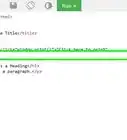
3Inside the
<body>tags, create a<script>tag and set the<type>to "text/javascript". The<script>tags allow us to directly insert JavaScript code into our HTML. -
4Between the
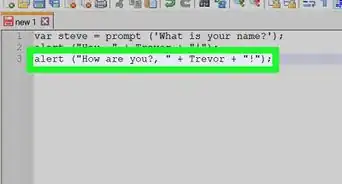
<script>tags we will write our code. The JavaScript functionalertwill create a simple message box which contains text specified in the first argument:alert("Your message here!");
-
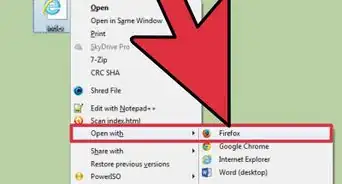
5Open up the HTML document that you just created using any browser. You'll see the alert message pop up.




-Step-3.webp)