X
wikiHow is a “wiki,” similar to Wikipedia, which means that many of our articles are co-written by multiple authors. To create this article, volunteer authors worked to edit and improve it over time.
This article has been viewed 24,705 times.
Learn more...
Google Map stores your location information as identified by your Internet service provider. If you’ve recently used the web-based map application from a specific location and then accessed Google Maps again on a different one, you’ll notice that Google Maps will use your previous location instead of your current. You’ll need to correct the location on Google Maps, or this will lead to inaccurate navigation information.
Steps
Method 1
Method 1 of 2:Using Your Computer
Method 1
-
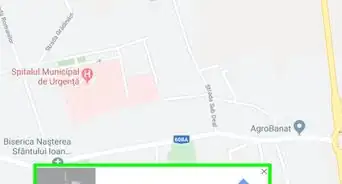
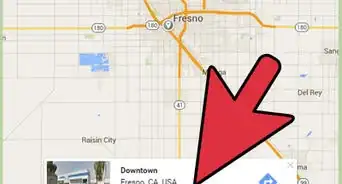
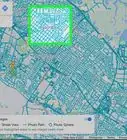
1Go to Google Maps. Open a web browser on your computer or laptop, and visit the Google Maps web-based application.
-
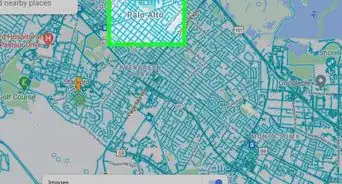
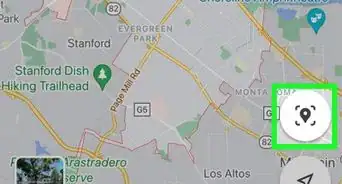
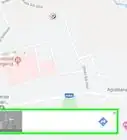
2Correct your location. Once you have the Google Maps on view, click the target icon on the lower right-hand corner of the page to make Google Maps identify your location.
-
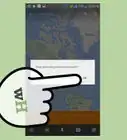
3Allow access. Once you clicked the target icon, a pop-up message will appear on the top left-hand corner of the page. Simply click the “Allow” or “Share” button you see on the pop-up to allow your browser to retrieve your location information defined by your Internet service provider.
-
4Check if the information is right. After retrieving your location data, Google Maps will place a pointer on your current location on the map. Check to see if the pointer is placed correctly; otherwise, repeat the previous steps to retrieve and correct your location again.


Method 2
Method 2 of 2:Using the Google Maps Mobile App
Method 2
-
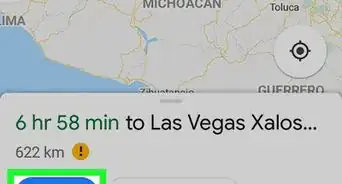
1Launch the Maps app. Tap the Google Maps icon from your device’s application home screen or app drawer to open the app.
-
2Correct your location. Once you have the Google Maps application open, tap the target icon on the lower right-hand corner of the device screen to make Google Maps identify your location. The app will then retrieve your location information defined by your Internet service provider.
-
3Check if the information is right. After retrieving your location data, the app will place a pointer on your current location on the map. Check to see if the pointer is placed correctly; otherwise, repeat the previous steps to retrieve and correct your location again.


Community Q&A
-
QuestionThe map is incorrect The name of the beach is wrong and incorrectly names it as a leash free dog beach when it is not. How can I get this corrected as it is causing civil unrest?
 Community AnswerFollow the steps in this article. If they do not work, you may need to contact Google.