X
wikiHow is a “wiki,” similar to Wikipedia, which means that many of our articles are co-written by multiple authors. To create this article, volunteer authors worked to edit and improve it over time.
This article has been viewed 56,404 times.
Learn more...
"Brushes" is a tool that can help you in almost any graphic software. Even if the software doesn't have brush capability, per se, you can still use the shapes in the program. However, the Photoshop format, *.ABR, is not compatible with other programs and are therefore unusable. Now, with abrViewer you can export them to *.PNG format and make them useful in a number of ways.
Steps
-
1Download abrViewer. It is a zipped file so you will need to have an unpacking program. It doesn't have an install feature so you will want to find a place for it to be.
- It will probably be in a folder called "Release_Net20_2.0" or something similar. Name it abrViewer to make it easier to find later.
-
2Go into the abrViewer folder and click on the icon .Advertisement
-
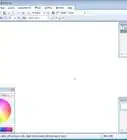
3Start the program.
-
4
-
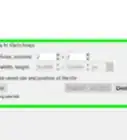
5Set the size of the brush that you wish. 80 to 100 pixels is a good size.
-
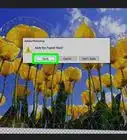
6Double click on the brush file that you wish to export.
-
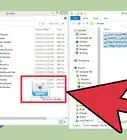
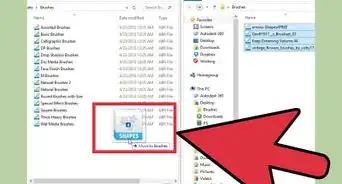
7Export the brushes. It is a good idea to keep your brushes in one place.Advertisement


About This Article
Advertisement