X
This article was written by Darlene Antonelli, MA. Darlene Antonelli is a Technology Writer and Editor for wikiHow. Darlene has experience teaching college courses, writing technology-related articles, and working hands-on in the technology field. She earned an MA in Writing from Rowan University in 2012 and wrote her thesis on online communities and the personalities curated in such communities.
This article has been viewed 2,213 times.
This wikiHow teaches you how to convert MPG to MP4. The easiest way to do this is by using an online converter tool, which you should be able to access from any web browser.
Steps
-
1Open a web browser. This includes Safari, Chrome, Firefox, and Opera.
-
2Navigate to zamzar.com.Advertisement
-
3Click Choose Files.
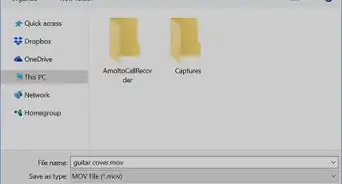
- A file browser window will pop-up.
- Instead of selecting a file, you can click the link to choose a link to convert.
-
4Select the MPG file you want to convert.
- The file or files you selected to convert will appear below
-
5Select MP4 from the drop-down list in Step 2.
-
6Click Convert.
- A progress bar will appear as your file converts.
- When the progress bar fills up, a new page will load.
-
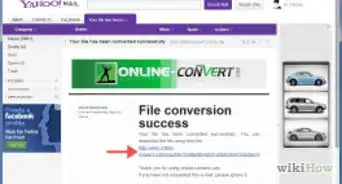
7Click Download.
- A box will pop-up to allow you to save the converted file to a specific location.
-
8Click Ok to save the file to your computer.
- The converted file is saved to the location you chose in step 7.
- Navigating to that location and clicking on the file will open the file.
Advertisement






About This Article

Darlene Antonelli, MA
Tech Specialist
This article was written by Darlene Antonelli, MA. Darlene Antonelli is a Technology Writer and Editor for wikiHow. Darlene has experience teaching college courses, writing technology-related articles, and working hands-on in the technology field. She earned an MA in Writing from Rowan University in 2012 and wrote her thesis on online communities and the personalities curated in such communities. This article has been viewed 2,213 times.
How helpful is this?
Co-authors: 2
Updated: March 18, 2019
Views: 2,213
Categories: Video Conversion Software
Advertisement