X
wikiHow is a “wiki,” similar to Wikipedia, which means that many of our articles are co-written by multiple authors. To create this article, volunteer authors worked to edit and improve it over time.
The wikiHow Tech Team also followed the article's instructions and verified that they work.
This article has been viewed 230,177 times.
Learn more...
BMP (bitmap) files should be converted to another format when you wish to share them with others, either via web publishing or email. A 500kb BMP file can often easily be compressed down to as little as 15kb if you simply convert it to a jpeg/jpg.
Steps
-
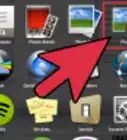
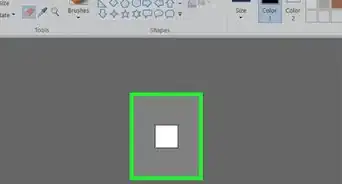
1Open MS Paint. You probably already have it installed if you are on a PC.
-
2Open the image you wish to convert. Make sure it is a bmp.Advertisement
-
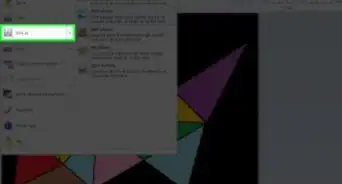
3Select "Save As" from the Edit menu.
-
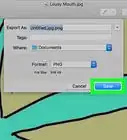
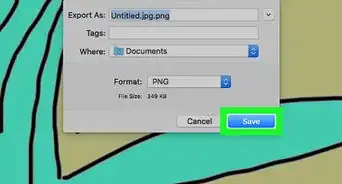
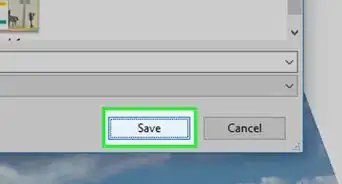
4When the dialog box opens, there will be a drop-down menu with a choice of file extensions. Simply choose JPEG, and press enter.
-
5You are finished! Feel free to share your newly converted image.Advertisement


Community Q&A
-
QuestionHow can I convert 825 kilobytes to 300 kilobytes?
 Community AnswerYou can use the software Winzar or Filezip to convert a file to a smaller size.
Warnings
- JPGs cannot be animated.Thanks!
- JPG does not support transparency. GIF or PNG does.Thanks!
- Converting a copyrighted image into another format does not create a newly copyrighted image. Be aware of copyright and intellectual property rights and do not steal the work of others!Thanks!
Advertisement


-Step-29.webp)
References
- For Bitmap to JPEG/JPG/GIF/PNG image conversions:
- http://www.JPGconvert.com
- http://www.gimp.org
About This Article
Advertisement