X
wikiHow is a “wiki,” similar to Wikipedia, which means that many of our articles are co-written by multiple authors. To create this article, volunteer authors worked to edit and improve it over time.
This article has been viewed 59,700 times.
Learn more...
This article will show you how to clear Microsoft calculator using a keyboard shortcut. Hit the delete key to clear Microsoft calculator without having to use your mouse.
Steps
-
1Use the Delete key to delete the last entry leaving the rest of the calculation in tact and ready for a new entry as part of the calculation instead. Hit the delete key instead of using the mouse to click the clear button each time to save time.
-
2Use the Escape to completely clear the log that completely clears the calculator's full entry and remainder entries from the calculation so that a new string can begin the next time you start entering data.Advertisement
-
3Fix some of your quick typing mistakes. Use the backspace key to take out just one number to the left of the last number you are about to type.
-
4Continue using either of these to clear the calculator.Advertisement


Community Q&A
-
QuestionThe calculator cannot be reduced in size and there is no longer a minimize button. What can I do?
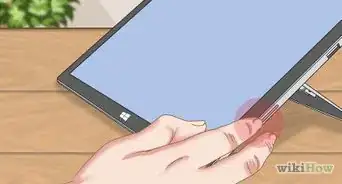
 Zhongli, Archon of Liyue (Aasim)Community AnswerCheck that your computer is out of tablet mode and then use the keyboard shortcut Windows + Down Arrow.





About This Article
Advertisement