X
wikiHow is a “wiki,” similar to Wikipedia, which means that many of our articles are co-written by multiple authors. To create this article, volunteer authors worked to edit and improve it over time.
Learn more...
The hostname is the name of the computer as it appears to networking applications. Changing it only requires modifying a couple files in Debian.
Steps
Part 1
Part 1 of 2:Edit /etc/hostname
Part 1
-
1Open a terminal window, TTY console, or secure shell to the Debian machine.
-
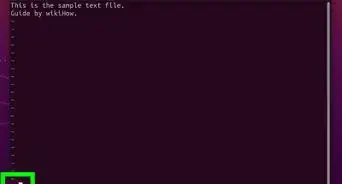
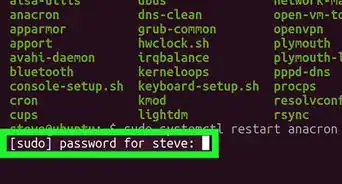
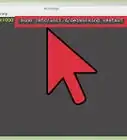
2Enter "sudo nano /etc/hostname". Enter your password when prompted. This runs the nano text editor as root and opens the file.
-
3Replace your current hostname with the one you want to change it to. Press Ctrl-O and then Enter to save it, and then press Ctrl-X to exit nano.


Part 2
Part 2 of 2:Edit /etc/hosts
Part 2