X
wikiHow is a “wiki,” similar to Wikipedia, which means that many of our articles are co-written by multiple authors. To create this article, 20 people, some anonymous, worked to edit and improve it over time.
This article has been viewed 43,420 times.
Learn more...
If you press F5, E, or I in Minecraft, you know you can see the basic survivor which everyone starts out with. Do you want to be unique? Want to be different? Follow this article to learn how!
Steps
-
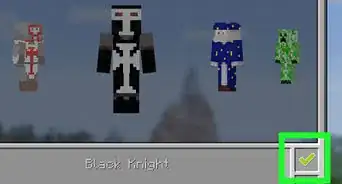
1Choose or Make a Skin. If you would like to choose a skin, read on. If you would like to create a skin yourself, skip to Step 5.
-
2Go to www.minecraftskins.com or look on the Minecraft Forums. Choose the skin you want and download it to your preferred file.
-
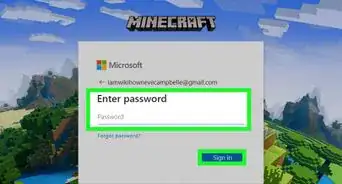
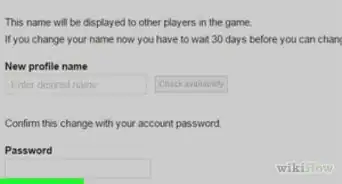
3Go to www.minecraft.net. Once your on the site, log in so you can change your skin. Once you have got to the Main page again, click Profile.
-
4Click the Browse button. Once you have done that, find the skin from the preferred folder. Open in and click Upload.
-
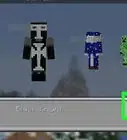
5Complete! Now you have changed your skin made by somebody else. If you would like to learn how to make your own skins, maybe even with its own hats, read on to see how to do so.
-
6Download MC SkinEdit. You can get this off the forums. Once you have downloaded and installed it, open it up. Sometimes you have to put in a link, look it up on the forum page you downloaded it from.
-
7Start making your skin. OK, from now on this editor is basically self-explanatory, and you don't need much more detail.
-
8Add noise. Noise can be found in one menu. Drag the bar to 50, and click the Add or Complete button.
-
9Your character will now have lighter and darker pixels on him/her. This is a really cool effect which makes the character look more realistic. This is best going with Camo Outfits and copies of games like Rebels off Half-Life 2.
-
10Save your design. Once you have saved it, upload it to minecraft.net. First you click browse, open your skin, and upload it. That should do the trick.
-
11Congratulations! You have created your own Minecraft Skin! Now you can go on multiplayer and brag about your new skin. Enjoy playing about with SkinEdit and maybe even run a small business making skins.


Community Q&A
-
QuestionHow do I change skin layers?
 Community AnswerIf you use an app called Skin Editor, then you can edit one.