X
This article was co-authored by wikiHow Staff. Our trained team of editors and researchers validate articles for accuracy and comprehensiveness. wikiHow's Content Management Team carefully monitors the work from our editorial staff to ensure that each article is backed by trusted research and meets our high quality standards.
The wikiHow Tech Team also followed the article's instructions and verified that they work.
This article has been viewed 24,366 times.
Learn more...
This wikiHow teaches you how to select a new ringtone for all incoming Viber calls, using Android.
Steps
-
1
-
2Tap the three horizontal lines icon. This button is in the upper-left corner of your screen. It will open the menu panel on the left-hand side.
-
3Scroll down and tap Settings on the menu. This will open the app's Settings menu on a new page.
-
4Tap Notifications on the Settings menu.
-
5Scroll down and check the Use system sounds box. This option will allow you to change Viber's default call and message notification tones.
-
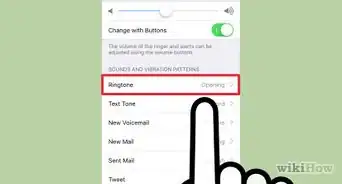
6Tap Call ringtone. This will open a pop-up list of all the available sound files you can set as your new Viber ringtone.
-
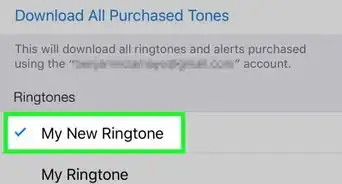
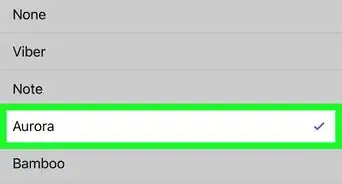
7Select a new ringtone. Scroll down the list, and tap the ringtone you want to set for your Viber calls.
-
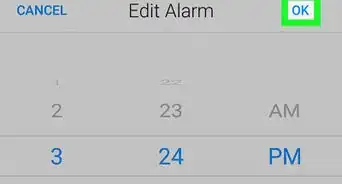
8Tap OK. This button is in the lower-right corner of the Call ringtone window. It will save your new ringtone.






About This Article

wikiHow Staff
wikiHow Staff Writer
This article was co-authored by wikiHow Staff. Our trained team of editors and researchers validate articles for accuracy and comprehensiveness. wikiHow's Content Management Team carefully monitors the work from our editorial staff to ensure that each article is backed by trusted research and meets our high quality standards. This article has been viewed 24,366 times.
How helpful is this?
Co-authors: 2
Updated: August 26, 2018
Views: 24,366
Categories: Ringtones | Viber for Android