This article was written by Nicole Levine, MFA. Nicole Levine is a Technology Writer and Editor for wikiHow. She has more than 20 years of experience creating technical documentation and leading support teams at major web hosting and software companies. Nicole also holds an MFA in Creative Writing from Portland State University and teaches composition, fiction-writing, and zine-making at various institutions.
The wikiHow Tech Team also followed the article's instructions and verified that they work.
This article has been viewed 2,550 times.
This wikiHow teaches you how to use Google Maps on your iPhone or iPad to remove toll roads from your driving directions. You can either change this setting for an individual trip or tell Maps to avoid tolls in all future driving directions.
Steps
Method 1
Method 1 of 2:Avoiding Tolls on a Single Trip
-
1Open Google Maps on your iPhone or iPad. It’s the map icon with a red pushpin and a “G.” You’ll usually find it on the home screen.
-
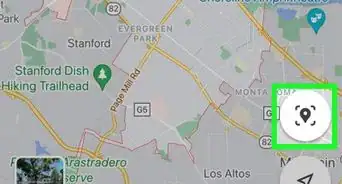
2Tap the Go button. It’s the round blue button at the bottom-right corner of the map.
-
3Enter the starting point. Tap the first field at the top of the screen to enter where your route will begin.
-
4Enter the destination. Tap the “Choose destination...” box to enter the location to which you’re driving. The map will show a suggested route.
-
5Tap ⁝ next to the starting location. A menu will expand.
-
6Tap Route options. It’s near the bottom of the menu.
-
7Slide the “Avoid tolls” switch to On . This tells Maps to reroute your directions around toll routes.
- If you want Maps to remember this setting for all trips going forward, see this method.


Method 2
Method 2 of 2:Avoiding Tolls on All Trips





About This Article