X
wikiHow is a “wiki,” similar to Wikipedia, which means that many of our articles are co-written by multiple authors. To create this article, volunteer authors worked to edit and improve it over time.
This article has been viewed 42,453 times.
Learn more...
Have you ever been on a website that tells you that you must link your account with Facebook to use the site's features in their entirety? If you are wondering how to do this, this article will help you out.
Steps
-
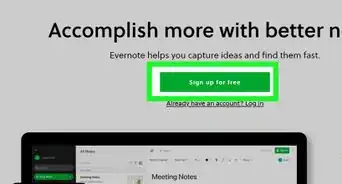
1Open your web browser to a web site that you know has a Connect with Facebook feature enabled.
-
2Look for the button that says either "Sign in" or "Connect with Facebook" or something of that sort.Advertisement
-
3Click this button. This should open up a pop-up box on top of your current window.
-
4Look at the window that displays. Most of the time, it'll ask you to "Login to Facebook". Even if you already are logged in, complete the next step. Otherwise, skip ahead to the following step.
-
5Click this "Login to Facebook" button.
-
6Use your Facebook credentials to sign into the site.
-
7Click the "Sign in" button just below the password line you just provided.
-
8Wait a few moments for the website to catch up with your actions and to sign you in.
-
9Look over the list of permissions Facebook needs to run the app efficiently.
-
10Click the "Allow" button. You won't be granted access to the app or connection to Facebook, until you click this button.
-
11Wait a few moments. It'll all be good at this point. There's no turning back now!Advertisement


Warnings
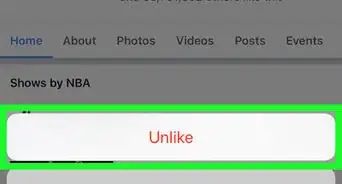
- Don't be fooled by the Facebook Like button. Liking something won't connect you to the service-ever. There are several ways to unlike this page directly from the page you clicked the like button on.Thanks!
Advertisement

About This Article
Advertisement