wikiHow is a “wiki,” similar to Wikipedia, which means that many of our articles are co-written by multiple authors. To create this article, volunteer authors worked to edit and improve it over time.
This article has been viewed 13,216 times.
Learn more...
For service providers, it’s important to have a reliable and healthy network. A failing network can affect services, leading to poor customer service and user experiences, and ultimately resulting in a loss of revenue. Therefore, it’s important to adopt a proactive approach to maintaining the health of your next-generation networks. Most service providers consider only bandwidth and latency issues in determining network health, and ignore the implications of security and loads on servers; heavy server loads can result in extended response times or reduced internet speeds, and increase the chances of intrusion from viruses. The following steps will keep your network in good health:
Steps
-
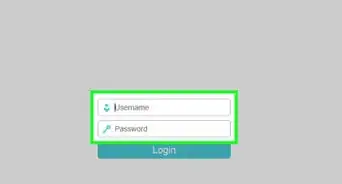
1Use the Network Management Tool. A Simple Network Management Protocol (SNMP) monitoring tool delivers real-time monitoring for your entire network base. It finds active IP addresses and monitors every device on your network such as WAN links, servers, and applications.
-
2Analyze Your Network Resources. Using a Simple Network Management Protocol (SNMP) monitoring tool will help you:
- Find the highest traffic links
- Identify protocol errors
- Provide a diagnosis of specific problems
- Describe your system’s configuration
Advertisement -
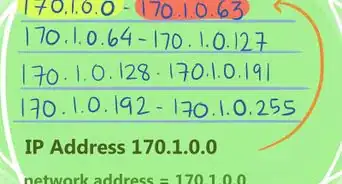
3Check the Security of Your System. Checking system security includes network configuration, communication, encryption, remote access, and privacy policies, among others.
-
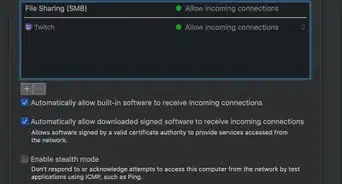
4Update Your Antivirus and Firewall.
-
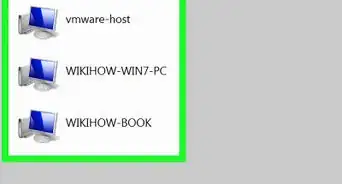
5Identify weak links. Weak links are easily identified by using a speed testing software:
- Search for a Local Area Network (LAN) speed testing software and download
- Run the software and allow it to complete
- If your link speed is 100Mbps, then expect a transfer rate of around 11Mbps to make sure your network is healthy
Advertisement




-Step-26-Version-2.webp)