This article was written by Darlene Antonelli, MA. Darlene Antonelli is a Technology Writer and Editor for wikiHow. Darlene has experience teaching college courses, writing technology-related articles, and working hands-on in the technology field. She earned an MA in Writing from Rowan University in 2012 and wrote her thesis on online communities and the personalities curated in such communities.
This article has been viewed 1,058 times.
This wikiHow will teach you how to add a class with jQuery. This line of code will add the class to the selected element, but it does not permanently add or remove attributes to the original class.
Steps
-
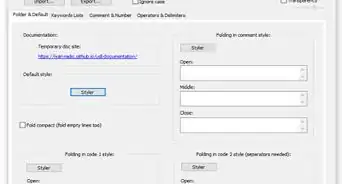
1Open your code in an editor. You can use free programs like default word processing apps like Notepad for Windows or Text Edit for Mac, or you can get Notepad++ for Windows or Atom for Mac.
-
2Insert the following code to where you want to add classes:
$(selector).addClass(classname,function(index,currentclass)). You'll need to change the element from "selector" to the element or tag that you want to add to.[1]- You'll also need to change the class name to the class name you're changing as well as index and currentclass.
Advertisement -
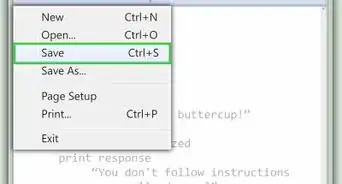
3Save your changes. If you're using a word processor that supports code, like Atom, you'll be able to preview your work within the app. [2]Advertisement












About This Article

1. Open your code in an editor.
2. Insert the following code to where you want to add classes: $(selector).addClass(classname,function(index,currentclass)).
3. Save your changes.