X
This article was co-authored by Chris Batchelor, a trusted member of wikiHow's volunteer community. Chris Batchelor is a wikiHow community member and technology enthusiast. He has experience using a range of different platforms and software, and likes to keep up with updates and new features.
This article has been viewed 36,874 times.
Learn more...
Sometimes, no matter the reason, you can't seem to make a link a hyperlink. If that is your problem, read this. It might be just what you need.
Steps
-
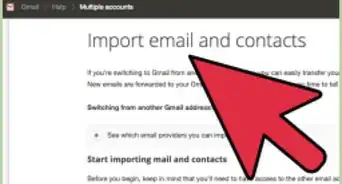
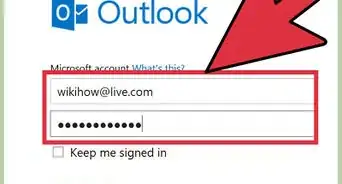
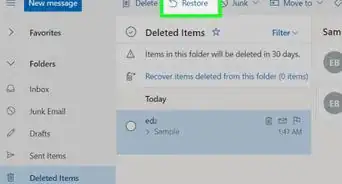
1Visit the Hotmail website in your web browser.
-
2
-
3
-
4
-
5Click the corresponding link that corresponds to the action you would like to take.
-
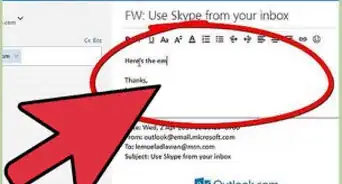
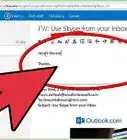
6Type your message.
-
7Type in the exact URL address just like you would any other link, by either the Copy&Paste method or just rote-memorization typing.
- By preference, try to learn and use the (http://www.) portion of the address link formatting, when typing your link. The system will better be able to pick up the link as a hyperlink address when the recipients computer receives this information and translates it to the user's computer.
-
8Type a space after the last character. The system will interpret the codes into the hyperlink you'll need, already inserted into the email.


Things You'll Need
- Internet access
- links to include in the email
- Windows Live/Hotmail account