X
wikiHow is a “wiki,” similar to Wikipedia, which means that many of our articles are co-written by multiple authors. To create this article, volunteer authors worked to edit and improve it over time.
The wikiHow Tech Team also followed the article's instructions and verified that they work.
This article has been viewed 21,001 times.
Learn more...
YouTube has a dark theme. This turns the background of the page black (and some parts dark gray) and makes the text lighter. Using the dark theme can be extremely helpful at night to prevent eyestrain.
Steps
Method 1
Method 1 of 2:Using the YouTube Website
Method 1
-
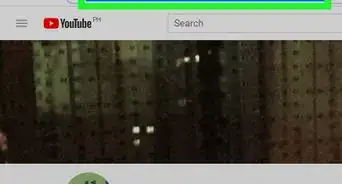
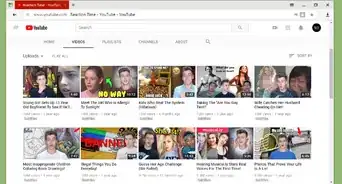
1Load up the YouTube website. Go to www.youtube.com in your preferred web browser.
-
2Click your user profile picture (if signed in) or the ⋮ symbol if signed out. One of the two controls will be present at the top-right corner of the webpage.
- The ⋮ symbol is the one on the webpage. Don't confuse it with the identical Google Chrome "Customize and control Google Chrome" button.
-
3Click Dark Theme: Off. It contains a crescent icon.
-
4Enable dark theme. Toggle the slider next to “DARK THEME”.
-
5Finished. The background of YouTube will darken. To turn off dark theme and switch back to the light theme, re-access the setting and toggle off the slider.


Method 2
Method 2 of 2:Using the YouTube App for Android
Method 2
-
1Launch the YouTube app on your Android device. It's a white play button on a red background. Make sure that your app is up to date.
-
2Tap on your profile picture. You can see it in the top-right corner of the app. This will open the menu tab.
-
3Tap on Settings. You will see this option under the “Turn on Incognito” label.
-
4Select the General option. It will be the first option in the list.
-
5Tap on the grey switch, right across Dark theme text. After doing so, YouTube's white background will switch to black.
-
6Enjoy YouTube in dark mode. If you want to disable the feature, just tap the Dark theme switch once again. That's it!


Community Q&A
-
QuestionThe option isn't there for me. What do I do?
 AdrianTop AnswererIf it is not the desktop version of YouTube, it will not work. Make sure you're using the desktop site.
 -
QuestionIs it normal to have to do this when starting a new session?
 Community AnswerYes, it's normal.