X
wikiHow is a “wiki,” similar to Wikipedia, which means that many of our articles are co-written by multiple authors. To create this article, 9 people, some anonymous, worked to edit and improve it over time.
The wikiHow Tech Team also followed the article's instructions and verified that they work.
This article has been viewed 118,606 times.
Learn more...
Writing in Hindi on Microsoft Word is possible with just a little set-up. You can either download Microsoft's free software known as the "Microsoft Indic Language Input Tool", or you can download and install a Hindi font and choose it when you type.
Steps
Method 1
Method 1 of 2:Using the Microsoft Indic Language Input Tool
Method 1
-
1Microsoft corporation freely provide software for indian typing. It is easy to install the software.
-
2Go to Microsoft's download site.
- Make sure you've selected Hindi as your language and then click on Install Desktop Version.
-
3Make sure your system supports the software. If so, click on Install now button which is at the bottom of the software page to download the software.
-
4Wait for the software to download and install. If the software is successfully installed in your system than it will create a "Language Bar" in the task bar.
-
5Choose a Hindi language from the bar. Then you can type in Hindi in Microsoft Word.


Method 2
Method 2 of 2:Using a Font
Method 2
-
1Search online for an Indian font that allows Hindi characters. Download it.
-
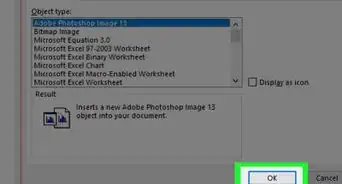
2Install the font on your computer.
-
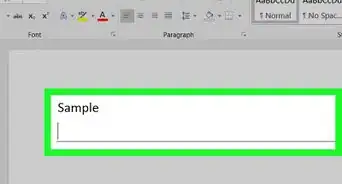
3Select the chosen font in Word, and start typing.