This article was written by Darlene Antonelli, MA. Darlene Antonelli is a Technology Writer and Editor for wikiHow. Darlene has experience teaching college courses, writing technology-related articles, and working hands-on in the technology field. She earned an MA in Writing from Rowan University in 2012 and wrote her thesis on online communities and the personalities curated in such communities.
This article has been viewed 1,164 times.
Since the Netflix catalog in Australia is limited compared to the United States, you can use a VPN to fake a United States address for more options. This wikiHow will show you how to use a VPN service to watch Netflix. Be warned, however, that Netflix is starting to ban addresses from VPN services and you might need to try a few different addresses before you can use Netflix.
Steps
-
1Get a VPN subscription. You have to mask your IP address to show a US address in order to watch US Netflix from Australia.[1]
- You can use a service like ExpressVPN that also offers apps for your phones and tablets as well as your computer. ExpressVPN is also a highly recommended and suggested VPN service that's easy to use and has a 30-day money-back guarantee.[2] You can also use CyberGhost, NordVPN, IPVanish and Wachee VPN.
- Check out How to Use a VPN for tips on selecting and setting up a VPN.
-
2Login to your VPN. Most VPN services will include apps and programs for you to use instead of their website. You may need to login to the VPN website if they don't offer an app.
- If the VPN requires you to create a VPN through your computer rather than an app or website, you can see How to Configure a VPN.
Advertisement -
3Choose a server in the US. This will ensure your IP address shows as a US IP address and that you can watch US Netflix.
-
4Go to https://www.netflix.com in a web browser. You may need to login to continue.
- You can also use the Netflix desktop or mobile apps instead of the web-browser.
-
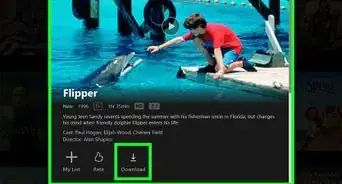
5Navigate to a show and click on it. You can search, browse categories, or browse shows alphabetically to find something to watch.
-
6Advertisement







References
About This Article

1. Get a VPN subscription.
2. Login to your VPN.
3. Go to https://www.netflix.com in a web browser.
4. Navigate to a show and click on it.
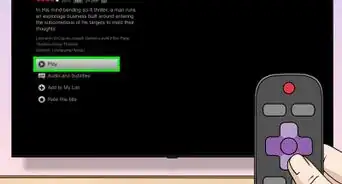
5. Click the play icon to begin playback.