X
wikiHow is a “wiki,” similar to Wikipedia, which means that many of our articles are co-written by multiple authors. To create this article, volunteer authors worked to edit and improve it over time.
This article has been viewed 38,901 times.
Learn more...
The entire contents of your iPhone, including the text messages, can be backed up to iCloud or iTunes on your computer. Here you will find how to view text messages on iCloud.
Steps
-
1Download and install an iOS content management utility. Programs that can manage content will be able to access the iCloud backup, and download selected items to the computer, such as, photos, videos, contacts, messages and so on.
-
2Open up the program. Connect your iPhone to the computer.
-
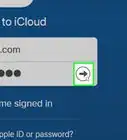
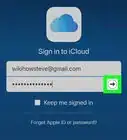
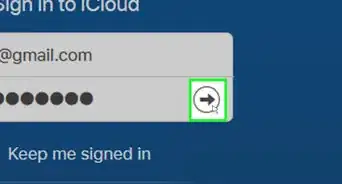
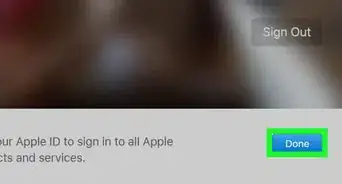
3Sign into your Apple ID through the program.
-
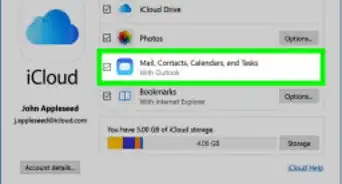
4Find the program's Messages option. Now you are enable to see the messages on your iCloud backup, and you can download them to your computer.




References
- http://support.apple.com/kb/PH12519?viewlocale=en_US – research source