This article was written by Darlene Antonelli, MA. Darlene Antonelli is a Technology Writer and Editor for wikiHow. Darlene has experience teaching college courses, writing technology-related articles, and working hands-on in the technology field. She earned an MA in Writing from Rowan University in 2012 and wrote her thesis on online communities and the personalities curated in such communities.
This article has been viewed 1,543 times.
iFruit Radio is a limited track (27 tracks) radio station available for GTA Online and Grand Theft Auto Story Mode for PS4, Xbox One, and computer as part of The Diamond Casino Heist update.[1] This wikiHow will teach you how to get and listen to iFruit Radio in GTA online and Story Mode.
Steps
-
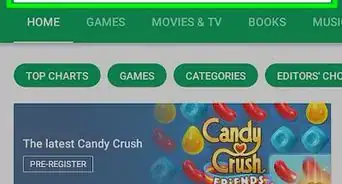
1Go to the Microsoft Store (Xbox), PS Store (PlayStation), or the DLC store inside the game. If you used Steam to initially purchase GTA, you'll need to use Steam to get the DLC.
-
2Locate The Diamond Casino Heist DLC. That downloadable content launched December 12, 2019 and includes the ability to listen to iFruit Radio.
-
3Purchase the DLC. Once the content is downloaded, you'll have access to the new radio station.
-
4





References
About This Article

1. Go to the Microsoft Store (Xbox), PS Store (PlayStation), or the DLC store inside the game.
2. Locate "The Diamond Casino Heist" DLC.
3. Purchase the DLC.
4. Tune your radio to station 21.