X
wikiHow is a “wiki,” similar to Wikipedia, which means that many of our articles are co-written by multiple authors. To create this article, volunteer authors worked to edit and improve it over time.
This article has been viewed 14,366 times.
Learn more...
IrfanView is a great little program that packs quite a punch. There are quite a few things that you can do with it. Read this article to learn what some of them are.
Steps
-
1If you haven't already, install IrfanView.
-
2Put some thought into what you want to do. Some of the things that you can do with it are:Advertisement
-
3Resize images
-
4Crop your images
-
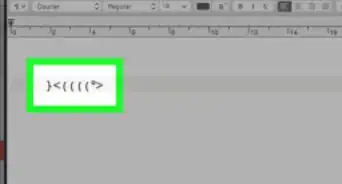
5Add text to your images
-
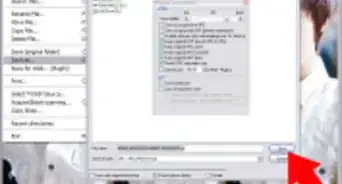
6Make slideshows. You make an executable file so that you can send it to others. Be sure that they are aware that you will be sending them an *.EXE or they will think it is a virus.
-
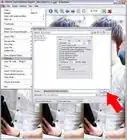
7Look at your images. You can do this with thumbnails, or by clicking on the arrows and going from one to the next one.
-
8Delete unwanted images. You can do this by pressing Delete on your keyboard or clicking on the red X on the toolbar.
-
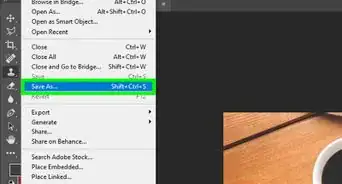
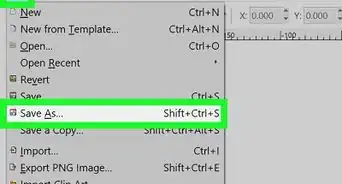
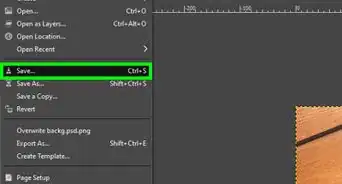
9Save the images. Remember that whenever you edit an image, you need to save it. If you move away from the image, the changes are lost.Advertisement




About This Article
Advertisement