X
wikiHow is a “wiki,” similar to Wikipedia, which means that many of our articles are co-written by multiple authors. To create this article, volunteer authors worked to edit and improve it over time.
The wikiHow Tech Team also followed the article's instructions and verified that they work.
This article has been viewed 19,923 times.
Learn more...
It seems like you are forced to take a photo or video using the Instagram app, rather than uploading one from your camera roll. But once you know how to upload an existing photo or video, instead, the process is easy.
Steps
-
1In the Instagram app, tap on the camera icon in the upper left corner.
-
2Hold the screen and slide the screen up.Advertisement
-
3Select the photo or video from your library that you want to post.
-
4Add text, drawing, or other Instagram effects to your image.
-
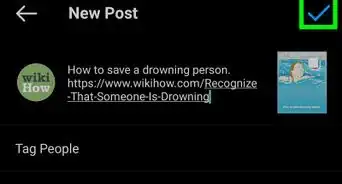
5Tap the right arrow icon to post to your story.Advertisement











About This Article
Advertisement