X
This article was co-authored by wikiHow Staff. Our trained team of editors and researchers validate articles for accuracy and comprehensiveness. wikiHow's Content Management Team carefully monitors the work from our editorial staff to ensure that each article is backed by trusted research and meets our high quality standards.
This article has been viewed 4,371 times.
Learn more...
This wikiHow explains how to unlike a song on Spotify on iPhone or iPad. When you like a song on Spotify it gets saved to your library. You can remove the song from your library by simply finding and unliking that song.
Steps
-
1Click Spotify to open the application. The icon is green and has three black lines on it.
-
2Click on Your Library. This icon is in the bottom right corner of the page and looks like two straight lines with another diagonal line leaning against the other two.Advertisement
-
3
-
4Click on Songs to view a list of your liked songs.
-
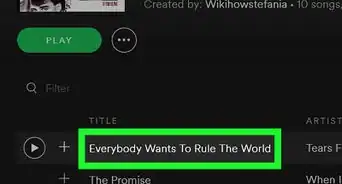
5Click the song that you are trying to unlike.
-
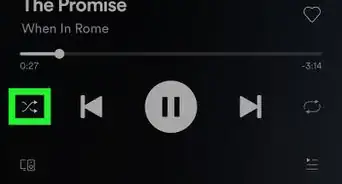
6Click the heart at the bottom left of the screen to unlike the song.
- If you are in the full-screen music player the heart is next to the song title. Click to unlike it.
Advertisement



About This Article

wikiHow Staff
wikiHow Staff Writer
This article was co-authored by wikiHow Staff. Our trained team of editors and researchers validate articles for accuracy and comprehensiveness. wikiHow's Content Management Team carefully monitors the work from our editorial staff to ensure that each article is backed by trusted research and meets our high quality standards. This article has been viewed 4,371 times.
Co-authors: 4
Updated: February 27, 2019
Views: 4,371
Categories: Spotify
Advertisement