This article was co-authored by wikiHow staff writer, Jessica Gibson. Jessica Gibson is a Writer and Editor who's been with wikiHow since 2014. After completing a year of art studies at the Emily Carr University in Vancouver, she graduated from Columbia College with a BA in History. Jessica also completed an MA in History from The University of Oregon in 2013.
This article has been viewed 11,123 times.
Learn more...
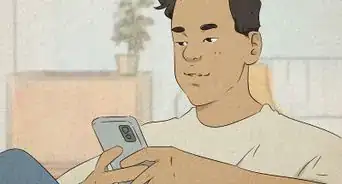
So you're scrolling on Tinder when you accidentally Super Like someone. This is really easy to do if your phone is greasy or you're swiping quickly, but don't worry—it's not a huge deal. You do have a few options for undoing the Super Like notification. Check out our answers to some of the most common questions about Super Likes and get swiping!
Steps
Question 1
Question 1 of 5:Is it possible to undo a Super Like?
-
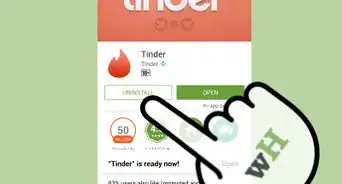
1Yes—as long as you have a subscription account. If you've got Tinder Plus or Tinder Gold, you can easily remove your last action. Unfortunately, if you're using a free Tinder account, you can't undo a Super Like, but it will go away on its own after 1 day.[1]
- Same goes for an accidental Nope. If you've got a paid subscription, you can rewind it, but you can't undo it with a free account.
Advertisement

Question 2
Question 2 of 5:How do I rewind my Super Like?
-
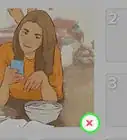
1Click the yellow rewind button immediately after using a Super Like. Got a subscription account? Great—all you need to do is press the yellow rewind icon that's on the bottom right next to the red X. That's it![2]
- Don't forget that you get unlimited rewinds and Super Likes with Tinder Plus, Tinder Gold, and Tinder Platinum.

Question 3
Question 3 of 5:Do Super Likes go away on their own?
-
1Yes, the Super Like will disappear after 1 day. You can use 1 Super Like a day and the person has 1 day to respond. So, if you've accidentally Super Liked someone, they'll be able to see it for 1 day before it drops off.[3]
- If you've got a paid account, it's true you can use up to 5 Super Likes a day, but they'll still only last for 1 day.
Advertisement

Question 4
Question 4 of 5:How can I prevent accidental Super Likes?
-
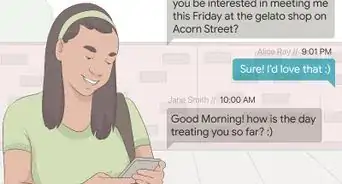
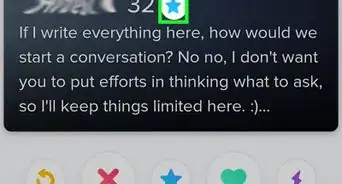
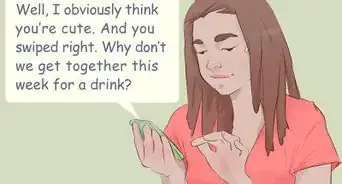
1Swipe slowly and keep your screen clean. If you're swiping erratically or your screen is greasy, you're more likely to accidentally hit the Super Like star. If you don't have a free account, you can always put a disclaimer on your profile so anyone who views it can see a message like:[4]
- "If I Super Liked you, it was unintentional."
- "I have a habit of accidental Super Likes. Sorry!"
- "Please disregard any Super Likes."

Question 5
Question 5 of 5:How can I undo a Super Like on a match?
-
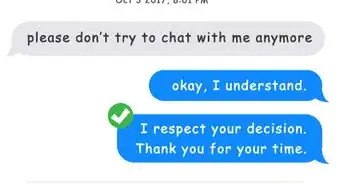
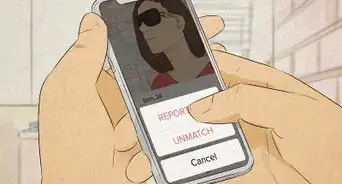
1If the person has swiped right, you can unmatch them. Occasionally, someone you accidentally Super Liked will like you back. If you're not interested, just open your inbox menu and click the icon next to their message thread to unmatch them. It's not quite undoing a Super Like, but it sends the person the message that you're not super into them.[5]
- If the person swiped left, you won't see them show up as a match on your Tinder account, so there's nothing to worry about.
Advertisement


References
- ↑ https://www.help.tinder.com/hc/en-us/articles/115003359606-Can-I-undo-a-Like-or-Nope-
- ↑ https://www.help.tinder.com/hc/en-us/articles/115004493323-Rewind
- ↑ https://www.refinery29.com/en-us/2015/10/95032/tinder-update-super-like
- ↑ https://techknowkun.com/2019/02/25/how-to-cancel-super-likes-on-tinder-and-rewind-features/
- ↑ https://youtu.be/r14OKKA13ks?t=157
About This Article