X
wikiHow is a “wiki,” similar to Wikipedia, which means that many of our articles are co-written by multiple authors. To create this article, 15 people, some anonymous, worked to edit and improve it over time.
This article has been viewed 66,537 times.
Learn more...
This article will show you how to turn the tennis courts blue in Wii Sports. The courts in training mode are blue, but this is how you can make them blue in normal play mode.
Steps
-
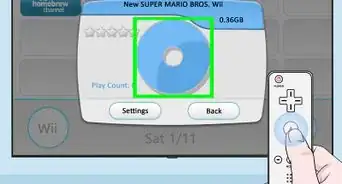
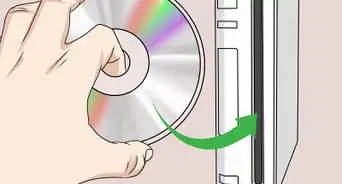
1Insert the Wii Sports disc into the Wii console.
-
2Wait for it to load, and open it through the Wii Menu.
-
3Click on Tennis.
-
4Choose the Mii you want to use and select OK.
-
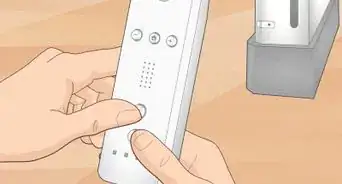
5As soon as you have to press A and B buttons together, let go of them and immediately press and hold the 2 button.
-
6Take your finger off the 2 button when the screen loads.
-
7Enjoy playing on your blue tennis court!


Warnings
- Be safe when playing the Wii. Always connect the wrist strap and only swing the remote gently, as it only needs to be done gently.and wear the remote jacket, if you kept it.Thanks!
Things You'll Need
- Nintendo Wii
- Wii Sports
- Wii Remote
- Television