X
This article was co-authored by wikiHow Staff. Our trained team of editors and researchers validate articles for accuracy and comprehensiveness. wikiHow's Content Management Team carefully monitors the work from our editorial staff to ensure that each article is backed by trusted research and meets our high quality standards.
This article has been viewed 3,098 times.
Learn more...
Do you like subtitles on when you are watching Hulu? This wikiHow shows you how to turn on subtitles on Hulu for your iPhone or iPad.
Steps
-
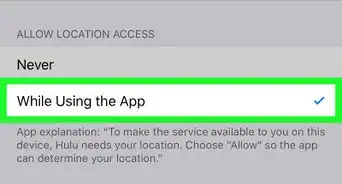
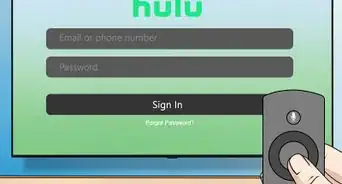
1Click on the Hulu app. This icon is green with the "hulu" written in white on the icon.
-
2Navigate to the video you want to watch. Click on the video to start playback.Advertisement
-
3Tap the video to show the settings gear wheel icon. Click on the gear wheel icon. The icon should be on the bottom right of your screen. This will open the settings tab as your video is playing.
-
4Select On under Subtitles & Captions. After turning on subtitles, tap your original video to resume play.Advertisement











About This Article

wikiHow Staff
wikiHow Staff Writer
This article was co-authored by wikiHow Staff. Our trained team of editors and researchers validate articles for accuracy and comprehensiveness. wikiHow's Content Management Team carefully monitors the work from our editorial staff to ensure that each article is backed by trusted research and meets our high quality standards. This article has been viewed 3,098 times.
How helpful is this?
Co-authors: 3
Updated: March 11, 2019
Views: 3,098
Categories: Hulu
Advertisement