X
wikiHow is a “wiki,” similar to Wikipedia, which means that many of our articles are co-written by multiple authors. To create this article, 16 people, some anonymous, worked to edit and improve it over time.
This article has been viewed 18,348 times.
Learn more...
So, maybe one day you want some good artwork for your room, but drawn by you? This will show you how to trace cartoons. Do read on...
Steps
Method 1
Method 1 of 3:Method One
Method 1
-
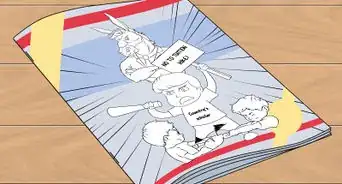
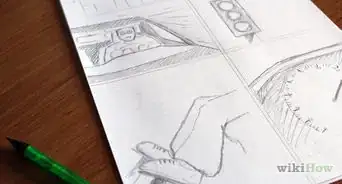
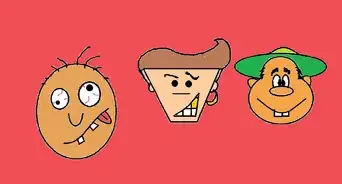
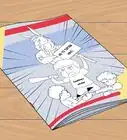
1Find a good picture (drawn) that you like. This may be something on a book, magazine, or printed from the computer.
-
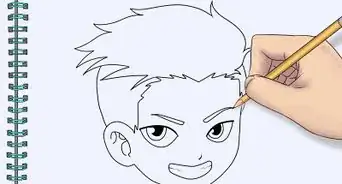
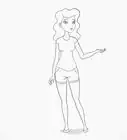
2Take a blank sheet of white paper and set it on a table. Make sure you have enough light so that you can see the image that you are trying to trace. Use a pencil to trace the outside.
-
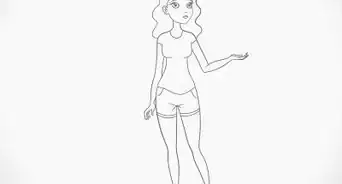
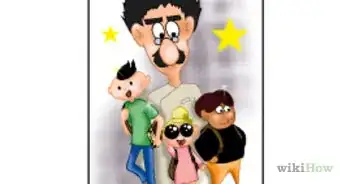
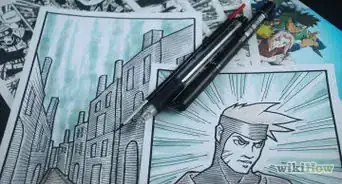
3Then add the details.


Method 2
Method 2 of 3:Method Two
Method 2
-
1You can also place the original artwork on a window in the day. You don't have to use a window to do this. It could be anything with some kind of backlight.
-
2Tape the original art work to a panel with a back light. This could be a regular window with enough daylight shining through it.
-
3Tape another piece of paper on top of the original artwork.
-
4Then start your tracing.
-
5When you are finish, remove everything off the window or backlit panel.


Method 3
Method 3 of 3:Method Three
Method 3
-
1This is one of the most convenient methods. This method is similar to Method Two, but has a few different steps. In this method, you will utilize your computer or TV display for tracing the image.
-
2Do exactly what Method Two tells you, with the exception of not having the original paper taped on a backlit source, instead, load or freeze an image on your display.
-
3Tape the blank paper on the display.
-
4Then start tracing.
-
5Take off the finished artwork off the display when your finished.


Warnings
- Some content may be protected by law. So do follow the copyright laws (based on where you live).Thanks!
- If your doing this on a backlit panel or display, make sure you don't leave the paper on the display too long if your display or backlit panel can get warm. This may increase the risk of fire.Thanks!
-Step-5.webp)

-Step-03.webp)
-Step-5.webp)