X
This article was written by Jack Lloyd. Jack Lloyd is a Technology Writer and Editor for wikiHow. He has over two years of experience writing and editing technology-related articles. He is technology enthusiast and an English teacher.
This article has been viewed 97,107 times.
This wikiHow teaches you how to recognize that a friend has screenshotted a snap you sent.
Steps
-
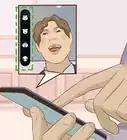
1Look for a notification. If you have push notifications enabled for Snapchat, you'll see "(Friend) took a screenshot!" pop up on your phone's Lock screen when someone screenshots your snap.
- If you don't have notifications enabled, proceed to check manually.
-
2Open the Snapchat app. It's the white ghost icon on a yellow background.
- If you aren't logged into Snapchat, tap Log In and enter your username (or email address) and password.
-
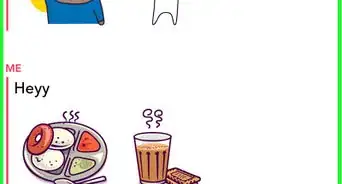
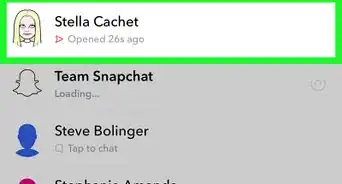
3Swipe right on the camera screen. Doing so opens the Chat screen.
-
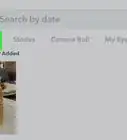
4Look for two overlapping arrows. The screenshot icon is a right-facing arrow outline over the top of a left-facing arrow that displays to the left of a contact's name. You'll also see "Screenshot" followed by the time it was screenshotted (or the day of the week) listed below the icon.
- If your snap was sent but not opened, you'll see a red or purple right-facing arrow.
- If your snap was opened but not screenshotted, you'll see the outline of a right-facing arrow.
- The arrows' color will be red for a photo snap and purple for a video snap.


Community Q&A
-
QuestionWill the person who unfriended me on Snapchat see that I screenshotted?
 Community AnswerThe person will not (and cannot see actions you perform), as you are not a part of the person's friends list.
Warnings
- If a friend uses a third-party app or a jailbroken (or rooted) phone to download your snap without screenshotting it, you won't be able to tell.Thanks!


About This Article
Article SummaryX
Open Snapchat, swipe right to the Chats page, and look for two overlapping arrows to the left of a contact's name.
Did this summary help you?