X
This article was written by Jack Lloyd. Jack Lloyd is a Technology Writer and Editor for wikiHow. He has over two years of experience writing and editing technology-related articles. He is technology enthusiast and an English teacher.
This article has been viewed 14,687 times.
This wikiHow teaches you how to recognize when a Snapchat contact replays a snap you've sent them.
Steps
-
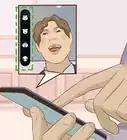
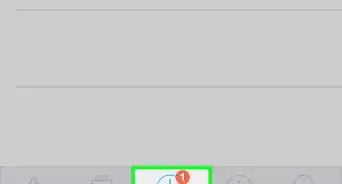
1Look for a notification. If you have push notifications enabled for Snapchat, you'll see "(Friend) replayed your snap!" pop up on your phone's Lock screen whenever somebody replays your snap.
- If you don't have notifications enabled, continue reading to check manually.
-
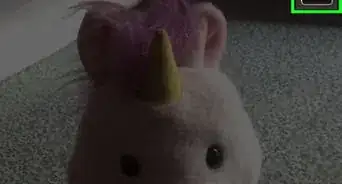
2Open the Snapchat app. Its icon resembles a white ghost on a yellow background.
- If you aren't logged into Snapchat, tap Log In and enter your username (or email address) and password.
Advertisement -
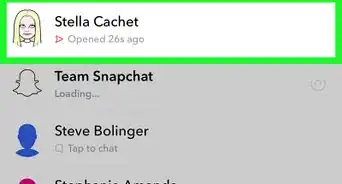
3Swipe right on the camera screen. Doing so will open the Chat screen.
-
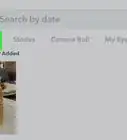
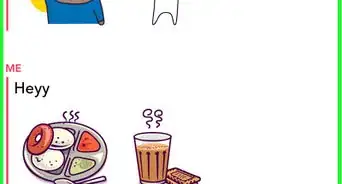
4Look for a circular arrow next to a snap. If someone replayed your snap, you'll see a counterclockwise-facing circular arrow where the "Sent" arrow was, and the text beneath the arrow will say "Replayed!"Advertisement


Warnings
- Even if you have push notifications enabled, you may not receive a notification for a replayed snap until you open Snapchat itself.Thanks!
Advertisement


About This Article
Article SummaryX
Open Snapchat, swipe right, and look for a circular arrow to the left of a snap you've sent.
Did this summary help you?
Advertisement