X
wikiHow is a “wiki,” similar to Wikipedia, which means that many of our articles are co-written by multiple authors. To create this article, volunteer authors worked to edit and improve it over time.
This article has been viewed 26,976 times.
Learn more...
Syncing, or pairing, your Plantronics audio device to a mobile device, like a phone or tablet, is easy via Bluetooth. To know how, scroll down to step 1.
Steps
-
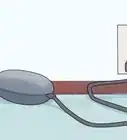
1Make sure your headset is charged. Depending on your headset model, the power light should be lighting up solidly—meaning it’s lit up but not flashing—when the headset is fully charged.
- Depending on the model of your Plantronics headset, you will hear a single tone every 15 seconds if it’s on low battery, or the power indicator will flash.
-
2Turn your headset on. There are a number of ways to turn on a pair of Plantronics headset, but all require you to switch on the Power button, which is easy to identify. Either flip, press, or slide the button to the ON position.Advertisement
-
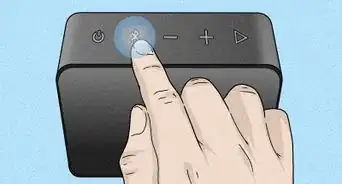
3Enable Pairing mode. The way to enter Pairing mode depends on the headset model.
- If your headset has a single multi-function button, start with it off, then press and hold it for 5–6 seconds until the light start flashing.
- If your headset has a sliding On and Off switch, hold the call button for 5–6 seconds until the light starts flashing.
- For headsets with a On and Off button, start with the headset powered off and hold the Power button down for 5–6 seconds until the light starts flashing.
-
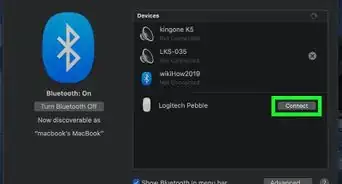
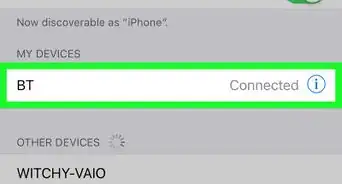
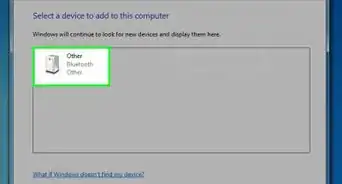
4Pair your devices. Once you have set your headset on Pairing mode, go to a music player device that supports Bluetooth and enable Bluetooth on it.
- When your device detects the headset, select it and enter 0000 (four zeroes) if prompted for a passkey.
Advertisement





About This Article
Advertisement