X
wikiHow is a “wiki,” similar to Wikipedia, which means that many of our articles are co-written by multiple authors. To create this article, volunteer authors worked to edit and improve it over time.
This article has been viewed 95,537 times.
Learn more...
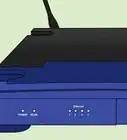
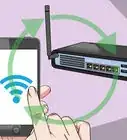
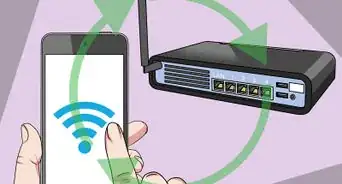
Do you want to extend the WiFi range of your router? There's a way to do it using MyPublicWifi. With this software, other devices can receive proper connections through your laptop.
Steps
-
1Download and install MyPublicWiFi.
- You will have to restart your computer after installation completes.
-
2Connect your Wifi adapter.
- Let the drivers install themselves. It might take time depending upon availability of updates, computer config, and maybe internet speed.
Advertisement -
3Start MyPublicWiFi in administrator mode.
-
4Choose a network name and password.
-
5Find the "Enable Internet Sharing" drop-down menu. Select the network you want to share. In this case, choose the WiFi connection which is made to the main router connected to internet.
-
6Click "Set Up and Start Hotspot."
-
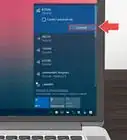
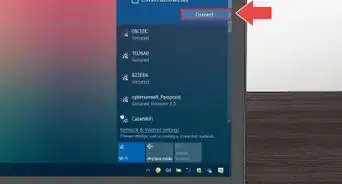
7Connect to the network you named in the setup. That's done! You have extended WiFi range for other devices to connect!Advertisement


Things You'll Need
- WiFi adapter








References
- http://techieanish.blogspot.in/2013/06/how-to-set-your-laptop-up-as-wifi-range.html - Original source, shared with permission.
About This Article
Advertisement