This article was written by Darlene Antonelli, MA. Darlene Antonelli is a Technology Writer and Editor for wikiHow. Darlene has experience teaching college courses, writing technology-related articles, and working hands-on in the technology field. She earned an MA in Writing from Rowan University in 2012 and wrote her thesis on online communities and the personalities curated in such communities.
This article has been viewed 2,515 times.
You might want to share posts or Stories with only specific people and not everyone who is following you. This wikiHow will teach you how to see your close friends list on Instagram on the mobile app; you cannot do this in the web browser.
Steps
-
1Open Instagram. This app icon looks like a camera lens on a gradient orange, pink, and purple background that you'll find on one of your Home screens, in the app drawer, or by searching.
-
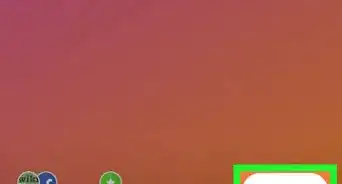
2Tap your profile picture or icon. You'll see this in the lower right corner of your screen.Advertisement
-
3Tap ☰. This three-line menu icon is in the top right corner of your screen.
-
4Tap Close Friends. It's near the bottom of the menu next to an icon of a bulleted list with stars.
- You'll see a list of all your followers that you've designated as a "Close Friend."
- To add a friend, either tap Add next to their name under "Suggestions" or tap the + and type in their name.[1]
Advertisement









About This Article

1. Open Instagram.
2. Tap your profile picture or icon.
3. Tap the three-line menu icon.
4. Tap Close Friends.