This article was written by Katie Double. Katie Double is a Technology Writer and Editor for wikiHow. She has over five years of experience in technical support, IT process analysis, and quantitative research. Katie loves exploring the application of various technological tools, from data analysis and visualization to music production and performance. Though originally from Denver, Colorado, she currently resides in New Zealand. She has a BA in Psychology from the University of Colorado Boulder.
This article has been viewed 8,620 times.
This wikiHow will teach you how to view your Snapchat Memories, which are Snaps that are saved to your account that you can view later, on an iPhone, iPad, or Android.
Steps
-
1Open Snapchat on your phone or tablet. Look for the yellow icon with a white ghost on your home screen or in the app drawer
-
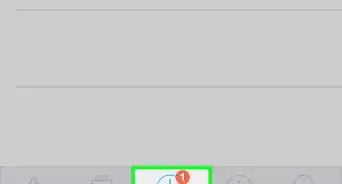
2Tap the Memories icon. It's the two overlapping photos at the bottom-center part of the screen.
- Another way to get her is to swipe up from the center of the screen.
-
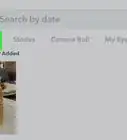
3Tap on a Snap to view it. You can scroll down the page to see all of your Memories in the order they were created.












About This Article
1. Open Snapchat.
2. Swipe up from the center of the screen.
3. Tap on a Memory to view it.