This article was written by Travis Boylls. Travis Boylls is a Technology Writer and Editor for wikiHow. Travis has experience writing technology-related articles, providing software customer service, and in graphic design. He specializes in Windows, macOS, Android, iOS, and Linux platforms. He studied graphic design at Pikes Peak Community College.
This article has been viewed 5,325 times.
This wikiHow teaches you how to search a channel on the Telegram iPhone app. Since Telegram channels can be quite lengthy, you can use the search option to recall something that was posted earlier in the channel.
Steps
-
1Open Telegram. It's the light-blue app with a white paper airplane inside.
-
2Tap a channel. This will bring up the channel's history.
-
3Tap the name of the channel. The channel name is labeled at the top. Tapping it will open a drop-down menu.
-
4
-
5Enter a search term and press Search. Enter a keyword or phrase you want to search for and tap "Search" on the keyboard. All the locations where your search terms appear will be highlighted in the chat history. The number or search results will be listed at the bottom.
-
6



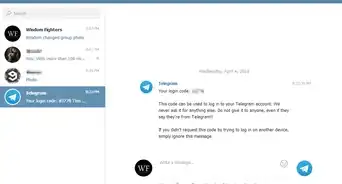

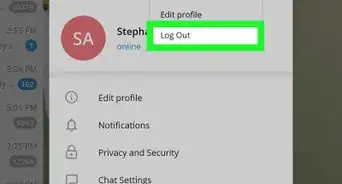





About This Article

1. Open Telegram.
2. Tap a channel.
3. Tap the channel's name at the top.
4. Tap the magnifying glass icon.
5. Type a search term.
6. Tap the arrows to cycle through the results.