This article was written by Nicole Levine, MFA. Nicole Levine is a Technology Writer and Editor for wikiHow. She has more than 20 years of experience creating technical documentation and leading support teams at major web hosting and software companies. Nicole also holds an MFA in Creative Writing from Portland State University and teaches composition, fiction-writing, and zine-making at various institutions.
The wikiHow Tech Team also followed the article's instructions and verified that they work.
This article has been viewed 5,688 times.
This wikiHow teaches you how to search for users, messages, bots, groups, and keywords in Telegram when you’re using a computer.
Steps
-
1
-
2Click Search. It’s the text box at the top of the left column.Advertisement
-
3Enter your search term. You can type a user or group ID, text that appears in a chat or group, a bot name, or any other items you want to view.
-
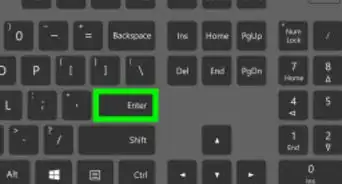
4Press ↵ Enter or ⏎ Return. The search results appear in the left column.
-
5Click the result you wish to explore. Depending on what you searched for, this action may open a chat window, user profile, bot, or group.Advertisement









About This Article

1. Open Telegram.
2. Click Search.
3. Enter your search term.
4. Press Enter or Return.
5. Click your desired result.